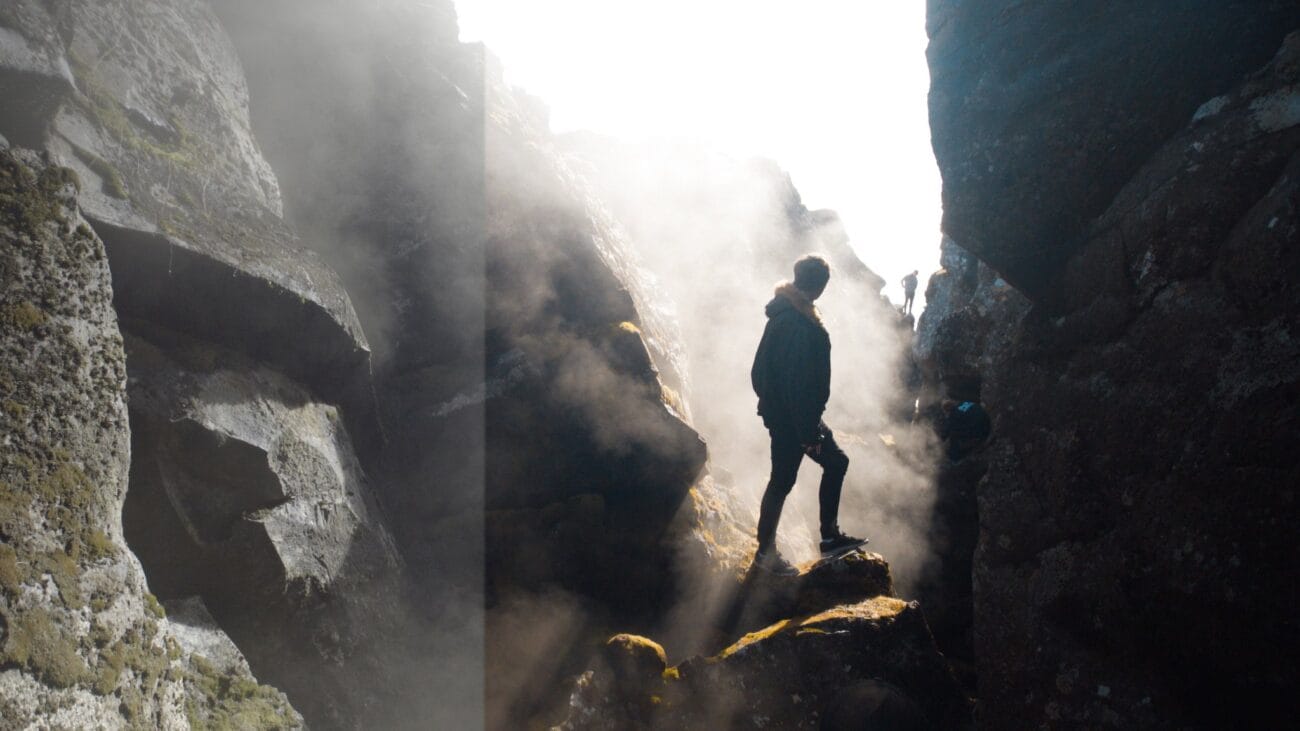
550 LUTs Cinematic Pack – Download and get an asset, 550 LUTs – Cinematic Pack. Works on Adobe Premiere Pro, Adobe Photoshop, Davinci Resolve, and Final Cut Pro.
Download this pack, you hand a great and strong Color Grading Tool with more than 550 Cinematic LUTs for your outputs.
Trust me that These unique color grading LUTs have the ability to accurately imitate the look of major motion picture film and help transform your footage to the best color grading possible.
ALL LUTs customizable and include:
Action Indoor
Action Outdoor
Artificial Lighting
Black and White
Drama
Fade
Festival
Gritty
Into the Woods
LA City
Low Light
Sahara
Vibrance
Vintage
Wedding
West Coast
X-Color
Yosemite
Visual Aesthetic & Color Science
Crafted for versatile, multi-genre visual storytelling, 550 LUTs Cinematic Pack brings a refined cinematic polish to every shot. It combines balanced tonal contrast, rich natural color density, and soft highlight compression into a single precision 3D Look-Up Table. Whether you edit narrative short films, YouTube content, commercial campaigns, or travel documentaries, this look elevates production quality instantly.
Camera & Profile Compatibility
Camera & Profile Compatibility: Universal 33x33x33 and 65x65x65 .CUBE 3D LUT files compatible with all major cameras: Sony (S-Log3 / Rec.709), Canon (C-Log / Rec.709), DJI (D-Log / D-Log M), Apple Log (iPhone 15/16 Pro), Panasonic, Blackmagic, and Nikon.
Step-by-Step Color Grading Workflow & Before/After Technique
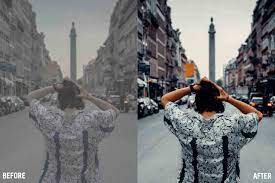
Before & After Grading Workflow: Apply 550 LUTs Cinematic Pack on your main creative adjustment layer or grading node. Correct primary exposure and white balance upstream for seamless color balance. Adjust opacity between 70% and 95% depending on your project’s desired mood.
Supported Editing Software
Delivered in industry-standard 33×33×33 and 65×65×65 .CUBE 3D Look-Up Table formats. Universally compatible with:
- DaVinci Resolve (Studio & Free versions 17, 18, 19+)
- Adobe Premiere Pro & After Effects (Lumetri Color CC 2020 – 2026)
- Final Cut Pro X (via native Custom LUT effect)
- CapCut Desktop & Mobile (direct .CUBE import)
- Adobe Photoshop & Lightroom Classic (Color Lookup & XMP Profiles)
- VN Video Editor, LumaFusion, Filmora, and Sony Vegas Pro
Frequently Asked Questions
Q: What software is compatible with 550 LUTs Cinematic Pack?
550 LUTs Cinematic Pack is delivered in standard .CUBE 3D LUT format, compatible with DaVinci Resolve, Adobe Premiere Pro, Final Cut Pro X, CapCut (Desktop & Mobile), VN Video Editor, Adobe Photoshop, Lightroom Classic, and After Effects.
Q: How do I install and apply 550 LUTs Cinematic Pack in my video editing software?
In Adobe Premiere Pro, open Lumetri Color → Creative tab → Look → Browse and select the .cube file. In DaVinci Resolve, place the .cube file into your Project Settings LUT folder and apply it to any node in the Color Page. In Final Cut Pro X, add the Custom LUT effect to your clip.
Q: Does 550 LUTs Cinematic Pack work with both 8-bit and 10-bit color footage?
Yes. While 10-bit footage (from cameras like Sony FX3, DJI Mavic 3, or iPhone 16 Pro) provides maximum grading elasticity, 550 LUTs Cinematic Pack is mathematically tuned with smooth tonal interpolation to prevent color banding even when applied to standard 8-bit video clips.
Q: Can I adjust the intensity of 550 LUTs Cinematic Pack to match my project style?
Yes. Every professional editing application includes an opacity or intensity slider (such as the Look Intensity slider in Premiere Lumetri or Key Output gain in DaVinci Resolve). We recommend starting at 100% and adjusting to between 70% and 90% for the most organic blend.
Related Products & Recommended Pairings
Enhance your filmmaking workflow by pairing this pack with these complementary color grading suites:
Unless otherwise specified, all digital products in our store are non-refundable after purchase. However, when purchasing digital products (LUTs and other digital goods in the form of software or files), the buyer automatically waives the right of withdrawal, as digital goods/downloads become irrevocably the buyer’s property after the download.
In this case, a revocation can only be made if the buyer has not yet downloaded the files. However, we will consider granting refunds under certain circumstances (e.g. duplicate order, the wrong preset is sent). We will grant refunds at our reasonable price. If the buyer requests a refund and a download has not been performed, we will honor a full refund to the customer.
Please take time to preview the product pictures, descriptions, and videos before you buy to avoid mistakes. We tried our best to gather all the important information for each product so that you preview and be satisfied before making a purchase. Thanks so much for choosing our products. We hope you’ll love them as much as we do!
Our team is incredibly responsive and takes pride in taking care of our customers. Please feel free to get in touch with us via the contact page or email us directly at
[email protected] with any questions or concerns and we’ll be happy to help within 24 hours.