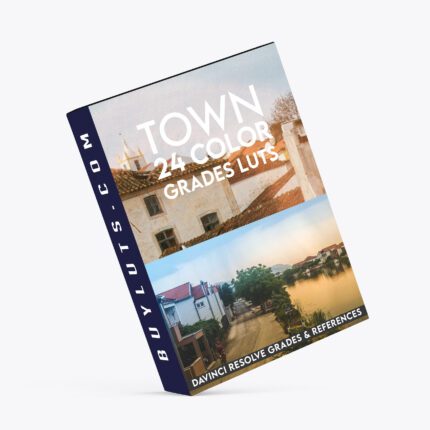


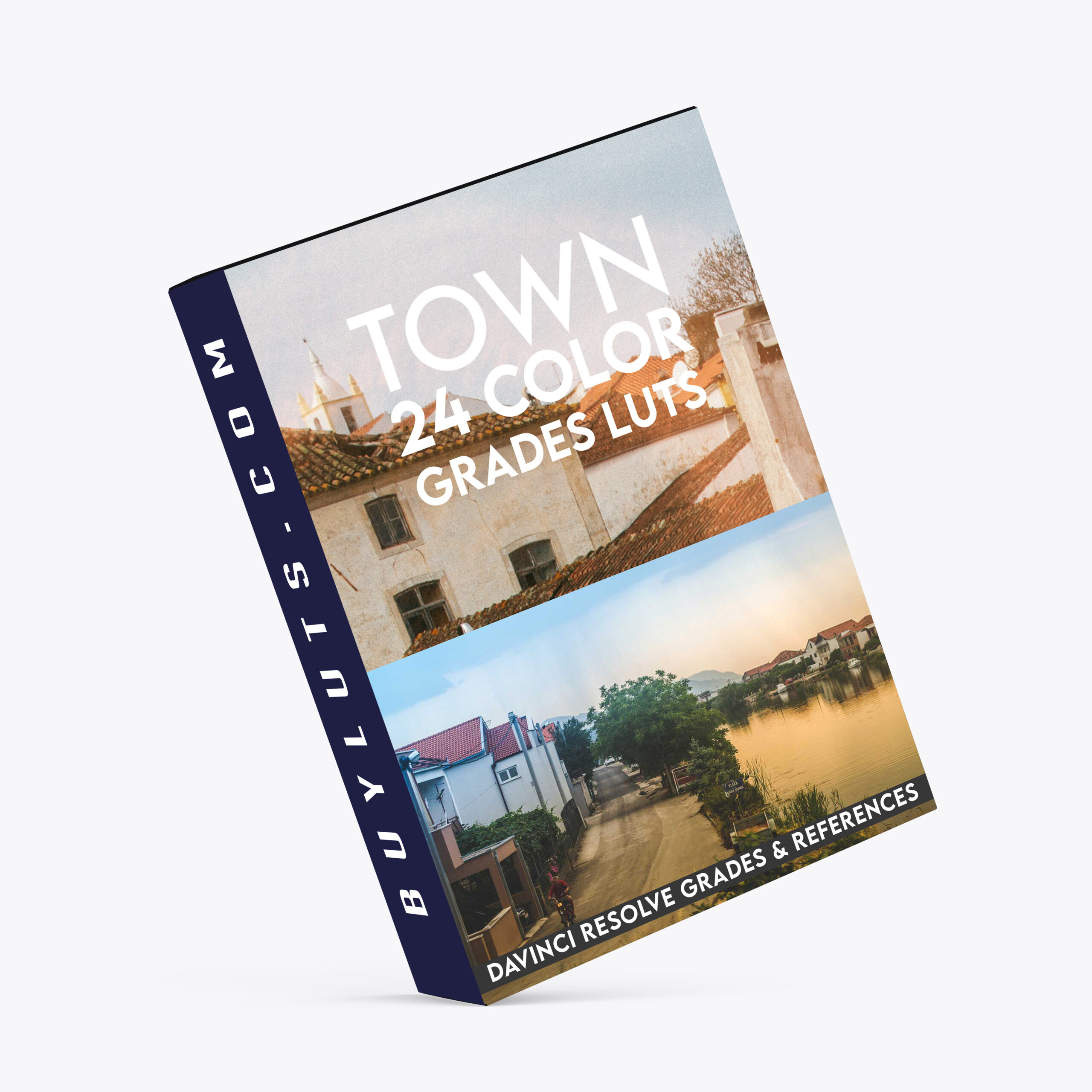


CineGrain 24 Town Color Grades LUTs – Unlock the Power of Color Grading with CineGrain 24 Town Color Grades for DaVinci Resolve
Color grading is one of the most powerful tools in a filmmaker’s or editor’s arsenal. It can completely transform the mood, atmosphere, and visual language of a project. Whether you’re working on a music video, a short film, or even a commercial, the right look can elevate your footage and create a compelling story. One of the most comprehensive and versatile color grading solutions available today is the CineGrain 24 Town Color Grades for DaVinci Resolve. This set of LUTs and reference grades allows you to apply beautifully crafted color palettes that are perfect for professional workflows. Here’s how you can use them to take your grading to the next level.

Key Features:
Versatile LUTs for Multiple Platforms: Apply the CineGrain 24 Town Color Grades LUTs to your footage in DaVinci Resolve, Photoshop, Premiere Pro, After Effects, Baselight, Flame, Nuke, and more. Perfect for colorists and editors working across multiple tools.
Full Node Trees for DaVinci Resolve: Load the .drx Full Node Trees directly into your DaVinci Resolve PowerGrade. This gives you access to a robust suite of creative tools and grading layers, allowing you to experiment with and perfect your look—just like industry professionals. With just a double-click, you can audition different looks and seamlessly move between them without losing your creative flow.
Decoupled from LOG to 709 Conversion: The CineGrain LUTs are designed to work independently of any LOG to 709 conversion. This added flexibility makes it easy to apply these looks to any type of footage. If you’re working with LOG footage, simply map your footage to 709 or sRGB before applying the CineGrain look layer or node—no need for complex color conversions.
Customizable Node Structure for DaVinci Resolve: The Node Trees in DaVinci Resolve are organized for maximum flexibility and ease of use. The node structure includes:
Node 1: Primaries, Contrast, and Pivot—adjust fundamental color balance and contrast.
Node 3: Custom Curves, Low & High Soft—fine-tune shadows, midtones, and highlights with custom curve grading.
Last Serial Node: Sharpening and defocus—add creative effects like sharpening or subtle defocus for a polished look.
How To Load Town Color Grades LUTs – DaVinci Resolve Grades & References
https://youtu.be/3ocnPAp5Z2Y
Why Choose CineGrain 24 Town Color Grades?
Creative Flexibility: Whether you’re working in LOG or Rec.709, these LUTs offer the flexibility you need to adapt to different types of footage and lighting conditions.
Time-Saving Workflow: The visual navigation in DaVinci Resolve allows you to audition and apply different looks quickly. Simply double-click or center-click on your timeline grade to switch between looks, cutting down on time spent searching through folders or tweaking each individual node.
Professional-Grade Results: Designed by experts and industry veterans, these LUTs give your footage a polished, cinematic feel, without requiring years of experience to use effectively.
Universal Compatibility: Whether you’re using DaVinci Resolve, Premiere, After Effects, or any other major editing software, CineGrain LUTs integrate seamlessly into your workflow, allowing you to apply consistent looks across different platforms and projects.
Perfect for:
Filmmakers seeking a quick and professional-grade color grading solution.
Colorists looking for advanced control and flexibility in their grading process.
Video editors working across multiple software tools and looking for a consistent look.
Content creators who want a cinematic style without extensive technical know-how.
Elevate your color grading game with CineGrain 24 Town Color Grades LUTs—designed to bring your visuals to life with the perfect cinematic color palette, right out of the box. Whether you’re a professional colorist or a creative just starting out, these LUTs give you the power to create stunning, film-quality results with ease.
SAMPLE IMAGES COLOR GRADED
What Are CineGrain 24 Town Color Grades LUTs?
CineGrain 24 Town Color Grades are a collection of LUTs and reference grades that bring cinematic, film-inspired color grading to your footage. Each LUT is designed to give you a cohesive look across different types of projects, from indie films and music videos to commercials and corporate videos. These LUTs are meticulously crafted with colorists in mind, offering a professional-grade toolset that enhances your creative workflow.
The best part? They work seamlessly across a range of software, so no matter what platform you’re using—whether it’s DaVinci Resolve, Photoshop, Premiere, After Effects, or more—these LUTs will bring the same high-quality results. Plus, the added flexibility to load full node trees into DaVinci Resolve PowerGrade opens up a world of creative possibilities that only industry veterans typically have access to.
Why CineGrain 24 Town Color Grades Stand Out
Streamlined Workflow
One of the most impressive aspects of the CineGrain LUTs is the efficiency they bring to the grading process. In DaVinci Resolve, you can easily navigate through different looks with just a few clicks. The days of right-clicking a node and endlessly scrolling through folders are over. Instead, you can audition a variety of looks one after another, making your creative decisions faster and more intuitive. This means you spend less time navigating complex folders and more time experimenting with your footage.
Maximized Creative Control
While these LUTs provide an instant, polished cinematic look, they also allow for full customization. You can dive into each node and adjust specific elements of the grade to fit the unique needs of your footage. Whether you want to fine-tune the color balance, manipulate contrast, or add a creative vignette, the node tree structure allows you to control every aspect of your grade.
Cinematic Results for Any Project
The CineGrain 24 Town Color Grades are inspired by real-world film stock, giving you that distinctive, cinematic look. Whether you’re working on a high-budget commercial or an indie short, these LUTs will help elevate your project to the next level. You’ll have access to looks that are smooth, filmic, and visually stunning—without the need for complex workflows or expensive equipment.
No Need for Extensive Technical Knowledge
The beauty of these LUTs is their simplicity. You don’t need to be a seasoned colorist to achieve professional results. The intuitive node structure in DaVinci Resolve and other compatible platforms means that even beginners can create a beautiful grade, while advanced users can dive deeper into the more technical aspects and make fine-tuned adjustments.
How to Use CineGrain 24 Town Color Grades in Your Workflow
Step 1: Load the LUT or Node Tree
Once you’ve installed the CineGrain 24 Town Color Grades, you can load the standard LUT files into your chosen software. If you’re using DaVinci Resolve, simply import the .drx Full Node Trees into your PowerGrade.
Step 2: Map Your Footage to 709 or sRGB
If you’re working with LOG footage, the next step is to map it to 709 or sRGB. This ensures that the LUTs apply correctly, giving you the most accurate color grading.
Step 3: Apply the Look
Drag the LUT or node tree onto your timeline and see the transformation take place instantly. The powerful visual navigation in DaVinci Resolve lets you experiment with different looks quickly and easily.
Step 4: Fine-Tune Your Grade
Use the flexibility of the node-based workflow to tweak each element of the grade. Adjust primaries, curves, sharpening, or defocus until you achieve your desired result.
Final Thoughts
If you’re serious about color grading and want to elevate the look of your footage, CineGrain 24 Town Color Grades are the perfect tool for the job. With their flexible workflows, professional-grade looks, and intuitive interface, these LUTs and node trees will transform your projects into cinematic masterpieces. Whether you’re a beginner or an experienced colorist, CineGrain 24 Town Color Grades give you the tools you need to take your grading to the next level.
FOCUS KEYWORDS: cinematic luts, # Cinematic Tones LUTs, # Cinematic Video Effects, # Color Correction LUTs, # Color Enhancement LUTs, # Color Grading for Beginners, # color grading presets, # creative luts, davinci resolve luts, # Digital Cinema LUTs, # Documentary LUTs, # drone luts, # Final Cut Pro X LUTs, # DaVinci Resolve luts, # Adobe Premiere Pro LUTs, # photoshop luts, # Dynamic Range LUTs, # Film Emulation LUTs, # Film Noir LUTs, # Film Style LUTs, # Filmmaking LUTs, # final cut pro luts, # Free LUTs, # Fujifilm LUTs, # High Contrast LUTs, # Hollywood Look LUTs, # Indie Film LUTs, # kodak luts, # Luminar LUTs, # LUT Pack Bundles, # LUTs for YouTubers,Cinematic LUTs, # movie luts, # Natural LUTs, # photoshop luts, # Post Production LUTs, # professional color grading, # rec709 luts, # slog3 luts, # Sony LUTs, #Film Emulation LUTs, DaVinci PowerGrades, DaVinci Resolve DCTLs, DaVinci Resolve Fusion, Capture One, Lightroom Presets, Creative Film LUTs, Essential LUTs Pack, Best Film Emulation Pack, LUTs for ARRI, LogC3 LUTs for ACES, ACEScct LUTs for BMD Gen5, LUTs for Sony SLog3, LUTs for Panasonic V-Log, LUTs for Fuji F-Log2, LUTs for Apple Log, Film Grain and Overlays, Film Emulation Photoshop Teal and Orange LUTs, # travel luts, # Urban LUTs, # video editing luts, # Videography LUTs, # Vintage LUTs, # wedding luts.
Visual Aesthetic & Color Science
Crafted for versatile, multi-genre visual storytelling, CineGrain 24 Town Color Grades LUTs brings a refined cinematic polish to every shot. It combines balanced tonal contrast, rich natural color density, and soft highlight compression into a single precision 3D Look-Up Table. Whether you edit narrative short films, YouTube content, commercial campaigns, or travel documentaries, this look elevates production quality instantly.
Camera & Profile Compatibility
Camera & Profile Compatibility: Universal 33x33x33 and 65x65x65 .CUBE 3D LUT files compatible with all major cameras: Sony (S-Log3 / Rec.709), Canon (C-Log / Rec.709), DJI (D-Log / D-Log M), Apple Log (iPhone 15/16 Pro), Panasonic, Blackmagic, and Nikon.
Step-by-Step Color Grading Workflow & Before/After Technique
Before & After Grading Workflow: Apply CineGrain 24 Town Color Grades LUTs on your main creative adjustment layer or grading node. Correct primary exposure and white balance upstream for seamless color balance. Adjust opacity between 70% and 95% depending on your project’s desired mood.
Supported Editing Software
Delivered in industry-standard 33×33×33 and 65×65×65 .CUBE 3D Look-Up Table formats. Universally compatible with:
- DaVinci Resolve (Studio & Free versions 17, 18, 19+)
- Adobe Premiere Pro & After Effects (Lumetri Color CC 2020 – 2026)
- Final Cut Pro X (via native Custom LUT effect)
- CapCut Desktop & Mobile (direct .CUBE import)
- Adobe Photoshop & Lightroom Classic (Color Lookup & XMP Profiles)
- VN Video Editor, LumaFusion, Filmora, and Sony Vegas Pro
Frequently Asked Questions
Q: What software is compatible with CineGrain 24 Town Color Grades LUTs?
CineGrain 24 Town Color Grades LUTs is delivered in standard .CUBE 3D LUT format, compatible with DaVinci Resolve, Adobe Premiere Pro, Final Cut Pro X, CapCut (Desktop & Mobile), VN Video Editor, Adobe Photoshop, Lightroom Classic, and After Effects.
Q: How do I install and apply CineGrain 24 Town Color Grades LUTs in my video editing software?
In Adobe Premiere Pro, open Lumetri Color → Creative tab → Look → Browse and select the .cube file. In DaVinci Resolve, place the .cube file into your Project Settings LUT folder and apply it to any node in the Color Page. In Final Cut Pro X, add the Custom LUT effect to your clip.
Q: Does CineGrain 24 Town Color Grades LUTs work with both 8-bit and 10-bit color footage?
Yes. While 10-bit footage (from cameras like Sony FX3, DJI Mavic 3, or iPhone 16 Pro) provides maximum grading elasticity, CineGrain 24 Town Color Grades LUTs is mathematically tuned with smooth tonal interpolation to prevent color banding even when applied to standard 8-bit video clips.
Q: Can I adjust the intensity of CineGrain 24 Town Color Grades LUTs to match my project style?
Yes. Every professional editing application includes an opacity or intensity slider (such as the Look Intensity slider in Premiere Lumetri or Key Output gain in DaVinci Resolve). We recommend starting at 100% and adjusting to between 70% and 90% for the most organic blend.
Related Products & Recommended Pairings
Enhance your filmmaking workflow by pairing this pack with these complementary color grading suites:
- Hollywood Kodak Film Emulation Bundle — Our flagship 35mm analog film emulation toolkit for narrative projects
- Cinematic Video LUTs Collection — Universal 3D LUTs providing rich contrast and cinematic highlight rolloff
- Free Starter LUTs Pack — Experience our color science on your own footage with 4 free .CUBE LUTs
In this case, a revocation can only be made if the buyer has not yet downloaded the files. However, we will consider granting refunds under certain circumstances (e.g. duplicate order, the wrong preset is sent). We will grant refunds at our reasonable price. If the buyer requests a refund and a download has not been performed, we will honor a full refund to the customer.
Please take time to preview the product pictures, descriptions, and videos before you buy to avoid mistakes. We tried our best to gather all the important information for each product so that you preview and be satisfied before making a purchase. Thanks so much for choosing our products. We hope you’ll love them as much as we do!
Our team is incredibly responsive and takes pride in taking care of our customers. Please feel free to get in touch with us via the contact page or email us directly at [email protected] with any questions or concerns and we’ll be happy to help within 24 hours.
Cinema LUT Pack Vol1
Cinema LUT Pack Vol1
Available as part of the Ultimate LUT Bundle or The Super Bundle (Save over 80%)
- 10 designer LUTs
included
- Delivered in. Cube format
- Available as an instant download
- Compatible with most editing software; Adobe Premiere, Final Cut Pro, DaVinci Resolve, Photoshop, After Effects, Speed Grade, Filmora, AVID, Sony Vegas, and more.
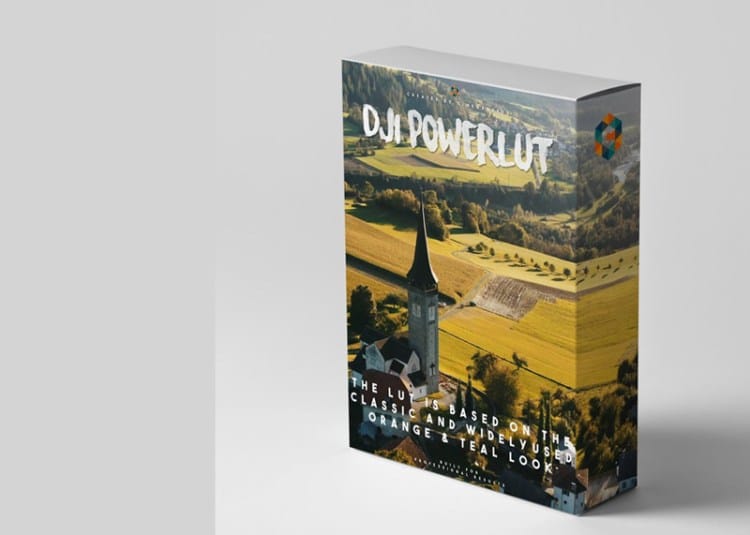



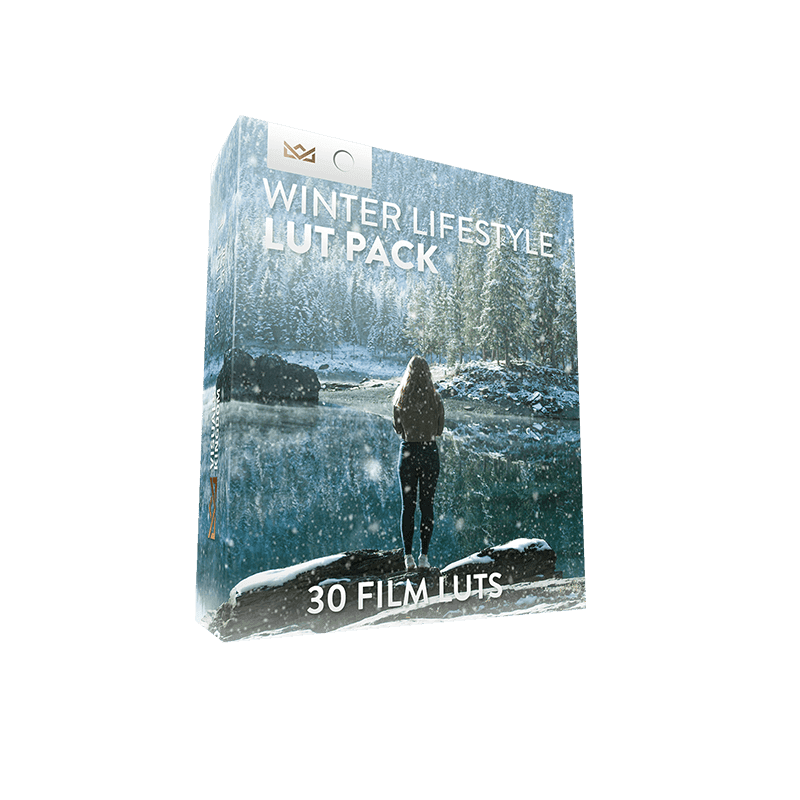
Winter Lifestyle Creative LUT Pack
Winter Lifestyle Creative LUT Pack
- Download instantly after purchase
- Requires No Experience
- Easy to Use
- Programs Supported - Premiere Pro CC, After Effects CC, Final Cut Pro X, Speedgrade, Photoshop, Da Vinci Resolve, AVID, Sony Vegas 13 (Vision Color LUT plugin needed), Filmora and many more.
- The different camera LUTs are only guides to use on specific cameras. You can use any of these LUTs on any camera by adjusting the contrast S-curve settings.
- Package Contents - 30 Winter Film LUTs for 7 camera profiles: rec709, Sony SLOG2/3, Canon, DJI D-Log, GoPro Protune, Nikon, REDCode RAW R3D, Panasonic GH5 V-LOG. 1x PDF instruction on how to install and use the LUTs.