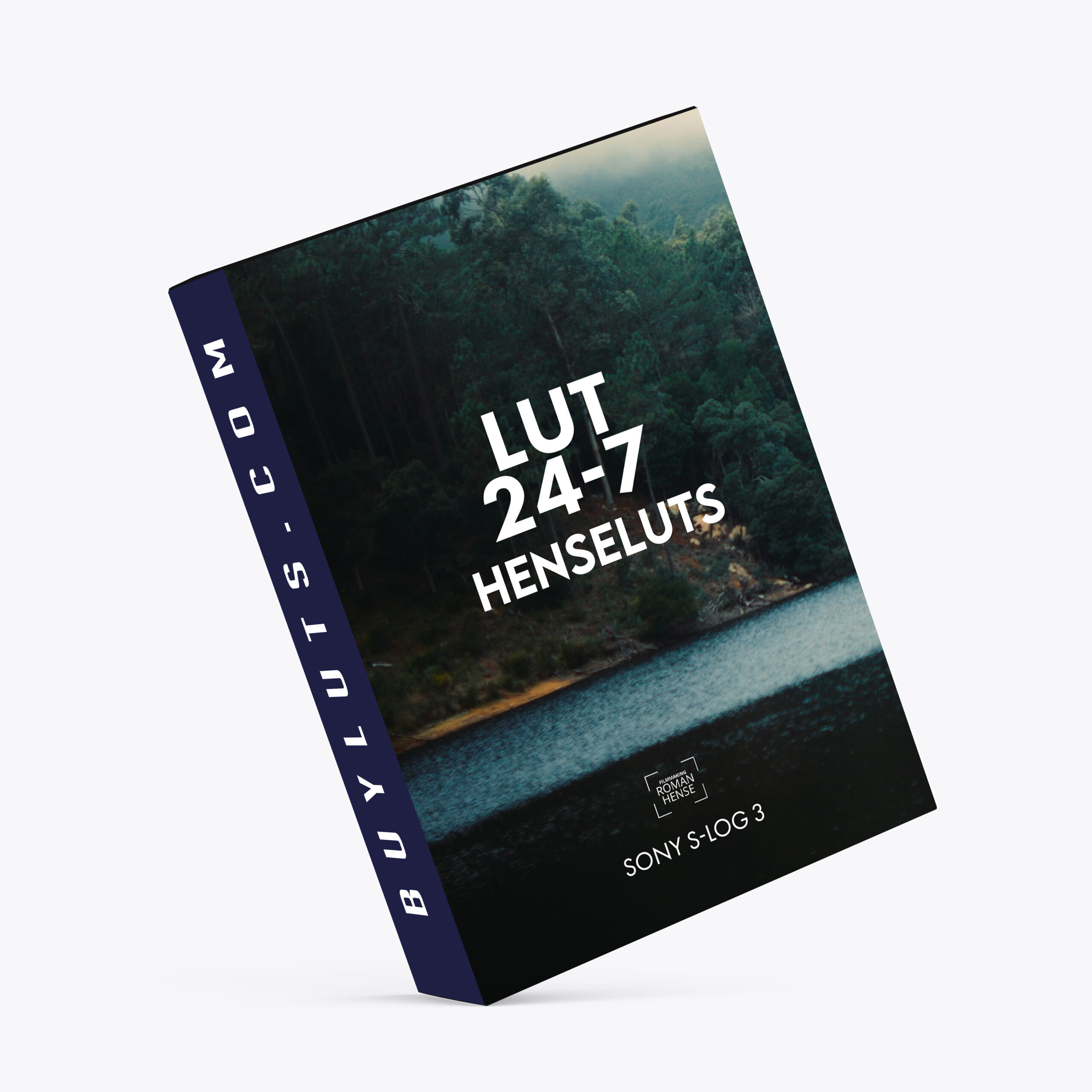
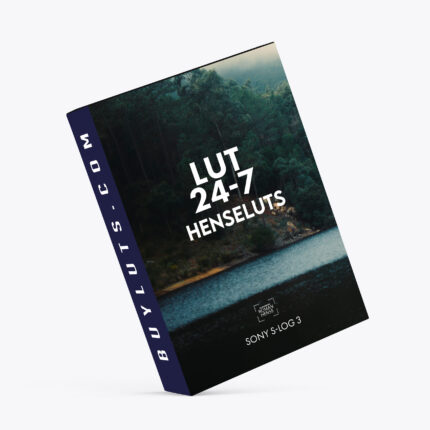
LUT24_7 for Sony FX30 SLOG3
🎬 LUTs 24-7 for Sony S-Log3 — A Cinematic Color Grading Experience
If you’re shooting in Sony S-Log3, you already know the power and flexibility this flat picture profile brings to the table. But to unlock its full potential, a great LUT (Look-Up Table) is essential — and that’s where LUTs 24-7 comes in.
This LUT, designed specifically for Sony S-Log3 footage, is built to transform your flat, desaturated image into a rich, cinematic visual — perfect for films, documentaries, music videos, and high-end content.
🎨 Why LUTs 24-7?
Tailored for Sony S-Log3
Designed for a cinematic tone — think natural skin tones, rich shadows, and film-like contrast
Works seamlessly across major platforms:
Adobe Premiere Pro
DaVinci Resolve
Final Cut Pro
💡 Pro Tips
Always correct exposure and white balance before applying the LUT for best results.
Use adjustment layers to keep things clean and organized.
Experiment with intensity — a little goes a long way.
🛠️ How I Use LUTs 24-7 in Adobe Premiere Pro
Color grading can be an art, but having a structured workflow makes it consistent and efficient. Here’s my personal method for getting the most out of this LUT:
1. Create an Adjustment Layer
I place this layer above my footage in the timeline and apply Lumetri Color to it. This keeps my grading flexible and non-destructive.
2. Correct the Original Footage
Next, I apply Lumetri Color to the actual S-Log3 clip. This is where I dial in the essentials:
This step ensures the LUT has a balanced base to work with.
3. Apply the LUT
Back in the adjustment layer, under the Creative tab of Lumetri Color, I load the LUTs 24-7 (cube format).
Depending on the scene’s lighting, I often tweak the LUT intensity — usually setting it to around 90% for harsh daylight scenes or increasing it for darker footage.
🎥 Final Thoughts
Whether you’re a filmmaker or a content creator aiming for that premium cinematic look, LUTs 24-7 for Sony S-Log3 offers a fast, reliable, and beautiful color grade starting point. It’s not just a LUT — it’s a mood, a tone, and a tool that brings your vision to life.
FOCUS KEYWORDS: cinematic luts, # Cinematic Tones LUTs, # Cinematic Video Effects, # Color Correction LUTs, # Color Enhancement LUTs, # Color Grading for Beginners, # color grading presets, # creative luts, davinci resolve luts, # Digital Cinema LUTs, # Documentary LUTs, # drone luts, # Final Cut Pro X LUTs, # DaVinci Resolve luts, # Adobe Premiere Pro LUTs, # photoshop luts, # Dynamic Range LUTs, # Film Emulation LUTs, # Film Noir LUTs, # Film Style LUTs, # Filmmaking LUTs, # final cut pro luts, # Free LUTs, # Fujifilm LUTs, # High Contrast LUTs, # Hollywood Look LUTs, # Indie Film LUTs, # kodak luts, # Luminar LUTs, # LUT Pack Bundles, # LUTs for YouTubers,Cinematic LUTs, # movie luts, # Natural LUTs, # photoshop luts, # Post Production LUTs, # professional color grading, # rec709 luts, # slog3 luts, # Sony LUTs, #Film Emulation LUTs, DaVinci PowerGrades, DaVinci Resolve DCTLs, DaVinci Resolve Fusion, Capture One, Lightroom Presets, Creative Film LUTs, Essential LUTs Pack, Best Film Emulation Pack, LUTs for ARRI, LogC3 LUTs for ACES, ACEScct LUTs for BMD Gen5, LUTs for Sony SLog3, LUTs for Panasonic V-Log, LUTs for Fuji F-Log2, LUTs for Apple Log, Film Grain and Overlays, Film Emulation Photoshop Teal and Orange LUTs, # travel luts, # Urban LUTs, # video editing luts, # Videography LUTs, # Vintage LUTs, # wedding luts.
Unless otherwise specified, all digital products in our store are non-refundable after purchase. However, when purchasing digital products (LUTs and other digital goods in the form of software or files), the buyer automatically waives the right of withdrawal, as digital goods/downloads become irrevocably the buyer’s property after the download.
In this case, a revocation can only be made if the buyer has not yet downloaded the files. However, we will consider granting refunds under certain circumstances (e.g. duplicate order, the wrong preset is sent). We will grant refunds at our reasonable price. If the buyer requests a refund and a download has not been performed, we will honor a full refund to the customer.
Please take time to preview the product pictures, descriptions, and videos before you buy to avoid mistakes. We tried our best to gather all the important information for each product so that you preview and be satisfied before making a purchase. Thanks so much for choosing our products. We hope you’ll love them as much as we do!
Our team is incredibly responsive and takes pride in taking care of our customers. Please feel free to get in touch with us via the contact page or email us directly at
[email protected] with any questions or concerns and we’ll be happy to help within 24 hours.