

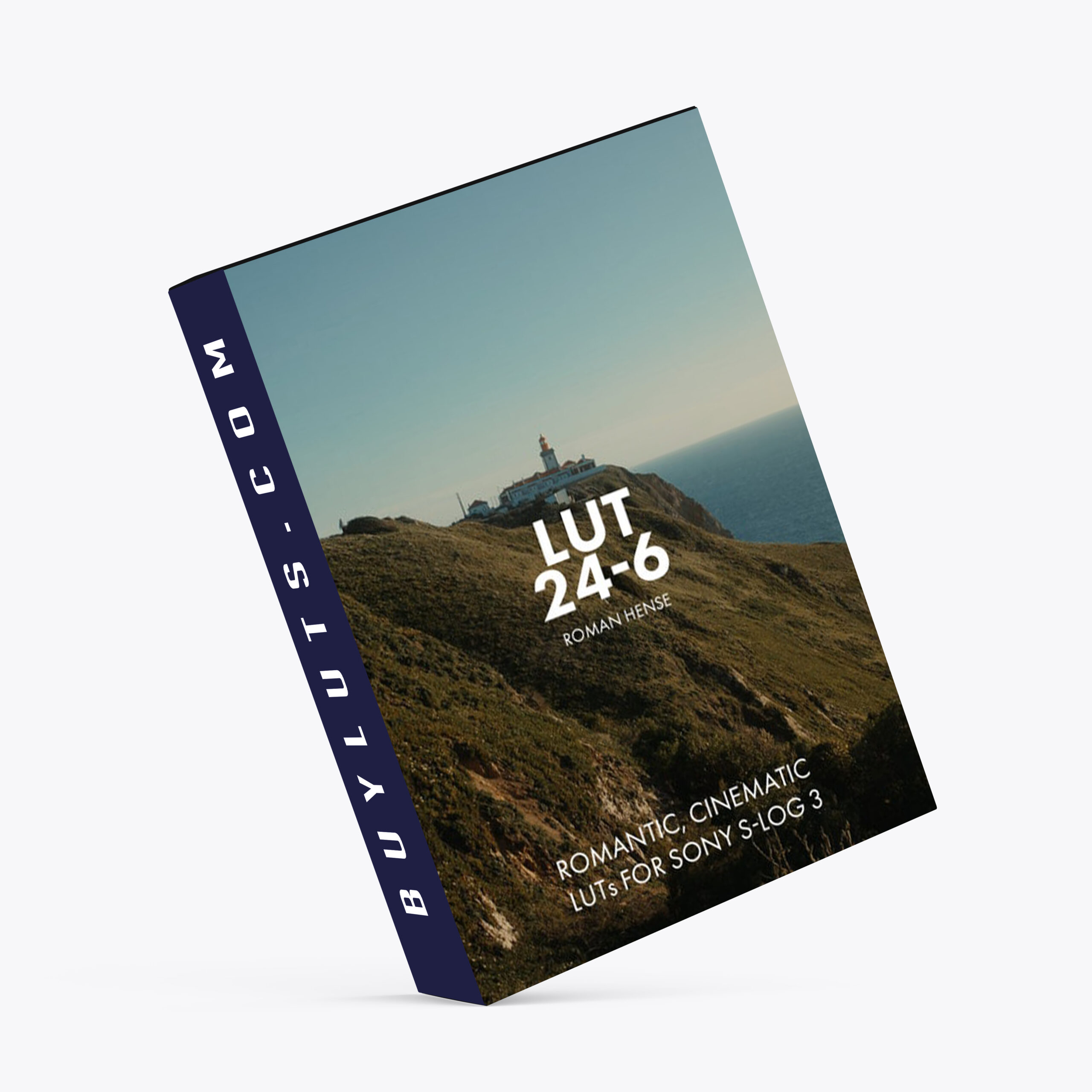

LUTs 24-6 for Sony S-Log3 🎨 What Are the LUT 24-6 Variants?
Each version of LUT 24-6 brings a slightly different flavor while maintaining a unified romantic aesthetic:
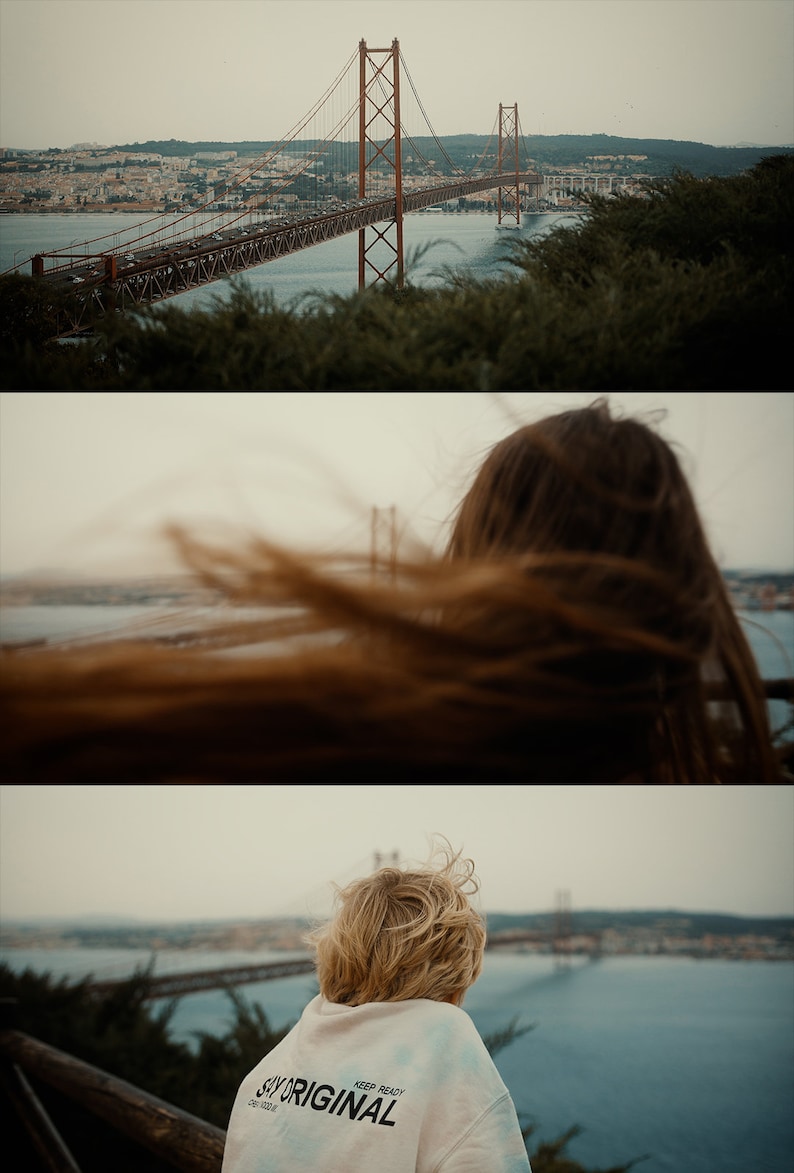
LUT 24-6 v1 – Soft, film-like contrast with warm highlights and subtle color shifts.
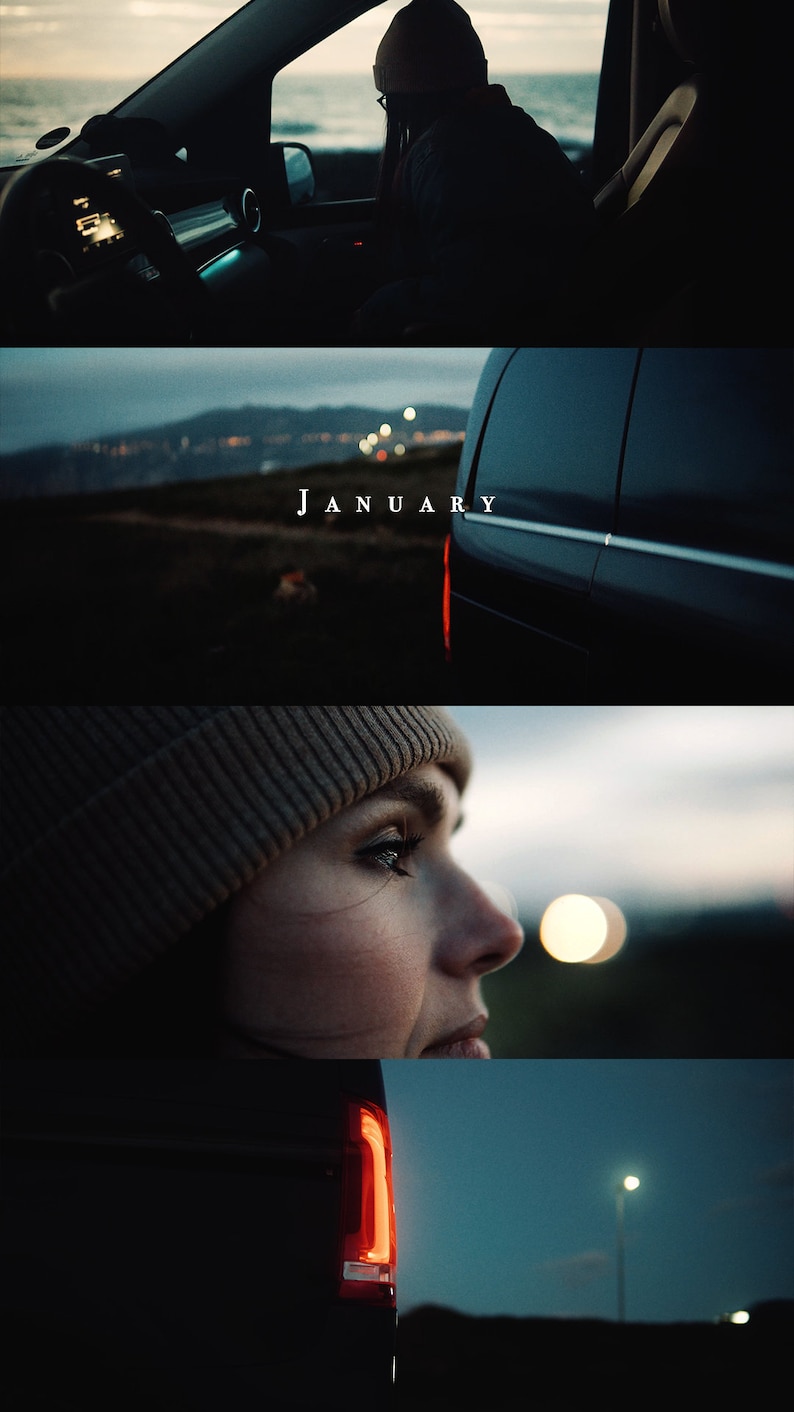
LUT 24-6 v2 – Richer tones and slightly more saturation, great for golden hour or sunset scenes.
LUT 24-6 v3 – Balanced for neutral skin tones and ambient lighting, perfect for indoor or moody natural light.
All three are built for use with Sony S-Log3 + SGamut3.Cine footage.
🎥 Compatible with Major Editing Software
These .cube LUTs aren’t just for Premiere — they also work great in:
DaVinci Resolve: Load via the Color tab → Right-click node → 3D LUT → select your version.
Final Cut Pro: Apply the Custom LUT effect and import LUT 24-6 v1, v2, or v3.
🌅 When to Use Each LUT Version
V1 → Ideal for soft, romantic daylight scenes.
V2 → Best for warm evening shots, nature, and dreamy tones.
V3 → Great for low light, natural skin tones, and controlled lighting setups.
You can also experiment with blending LUT versions over different shots for dynamic storytelling or visual shifts between scenes.
🛠️ How I Use LUT 24-6 in Adobe Premiere Pro
Here’s my personal grading workflow, optimized for flexibility and consistency:
1. Create an Adjustment Layer
Add a new adjustment layer above your video clips in the timeline.
This makes your LUT application non-destructive and easy to manage across multiple clips.
2. Basic Color Correction on Original Clips
Select your original S-Log3 clip and apply Lumetri Color.
Adjust:
Exposure
Temperature / Tint
Contrast, Shadows, Highlights
For sunny or high-contrast scenes, I sometimes reduce LUT intensity to around 90% for a more natural roll-off.
For darker or moodier shots, you can increase or fine-tune the intensity based on visual balance.
🎛️ The goal is to normalize the log footage before applying the LUT, so the LUT does the creative work, not the technical correction.
3. Apply LUT 24-6 to the Adjustment Layer
Select the adjustment layer.
In Lumetri Color → Creative tab (or Basic Correction > Input LUT), load LUT 24-6 v1, v2, or v3.
Instantly, your footage gains that signature cinematic depth, soft highlights, and emotional warmth.
✅ Final Thoughts
The LUT 24-6 series offers more than just color — it offers emotion. Whether you’re crafting a love story, travel montage, or short film, these LUTs help shape the narrative tone of your footage with soft contrast, cinematic shadows, and gentle warmth.
Sony S-Log3 gives you the canvas. LUT 24-6 brings the brushstrokes.
FOCUS KEYWORDS: cinematic luts, # Cinematic Tones LUTs, # Cinematic Video Effects, # Color Correction LUTs, # Color Enhancement LUTs, # Color Grading for Beginners, # color grading presets, # creative luts, davinci resolve luts, # Digital Cinema LUTs, # Documentary LUTs, # drone luts, # Final Cut Pro X LUTs, # DaVinci Resolve luts, # Adobe Premiere Pro LUTs, # photoshop luts, # Dynamic Range LUTs, # Film Emulation LUTs, # Film Noir LUTs, # Film Style LUTs, # Filmmaking LUTs, # final cut pro luts, # Free LUTs, # Fujifilm LUTs, # High Contrast LUTs, # Hollywood Look LUTs, # Indie Film LUTs, # kodak luts, # Luminar LUTs, # LUT Pack Bundles, # LUTs for YouTubers,Cinematic LUTs, # movie luts, # Natural LUTs, # photoshop luts, # Post Production LUTs, # professional color grading, # rec709 luts, # slog3 luts, # Sony LUTs, #Film Emulation LUTs, DaVinci PowerGrades, DaVinci Resolve DCTLs, DaVinci Resolve Fusion, Capture One, Lightroom Presets, Creative Film LUTs, Essential LUTs Pack, Best Film Emulation Pack, LUTs for ARRI, LogC3 LUTs for ACES, ACEScct LUTs for BMD Gen5, LUTs for Sony SLog3, LUTs for Panasonic V-Log, LUTs for Fuji F-Log2, LUTs for Apple Log, Film Grain and Overlays, Film Emulation Photoshop Teal and Orange LUTs, # travel luts, # Urban LUTs, # video editing luts, # Videography LUTs, # Vintage LUTs, # wedding luts.
In this case, a revocation can only be made if the buyer has not yet downloaded the files. However, we will consider granting refunds under certain circumstances (e.g. duplicate order, the wrong preset is sent). We will grant refunds at our reasonable price. If the buyer requests a refund and a download has not been performed, we will honor a full refund to the customer.
Please take time to preview the product pictures, descriptions, and videos before you buy to avoid mistakes. We tried our best to gather all the important information for each product so that you preview and be satisfied before making a purchase. Thanks so much for choosing our products. We hope you’ll love them as much as we do!
Our team is incredibly responsive and takes pride in taking care of our customers. Please feel free to get in touch with us via the contact page or email us directly at [email protected] with any questions or concerns and we’ll be happy to help within 24 hours.
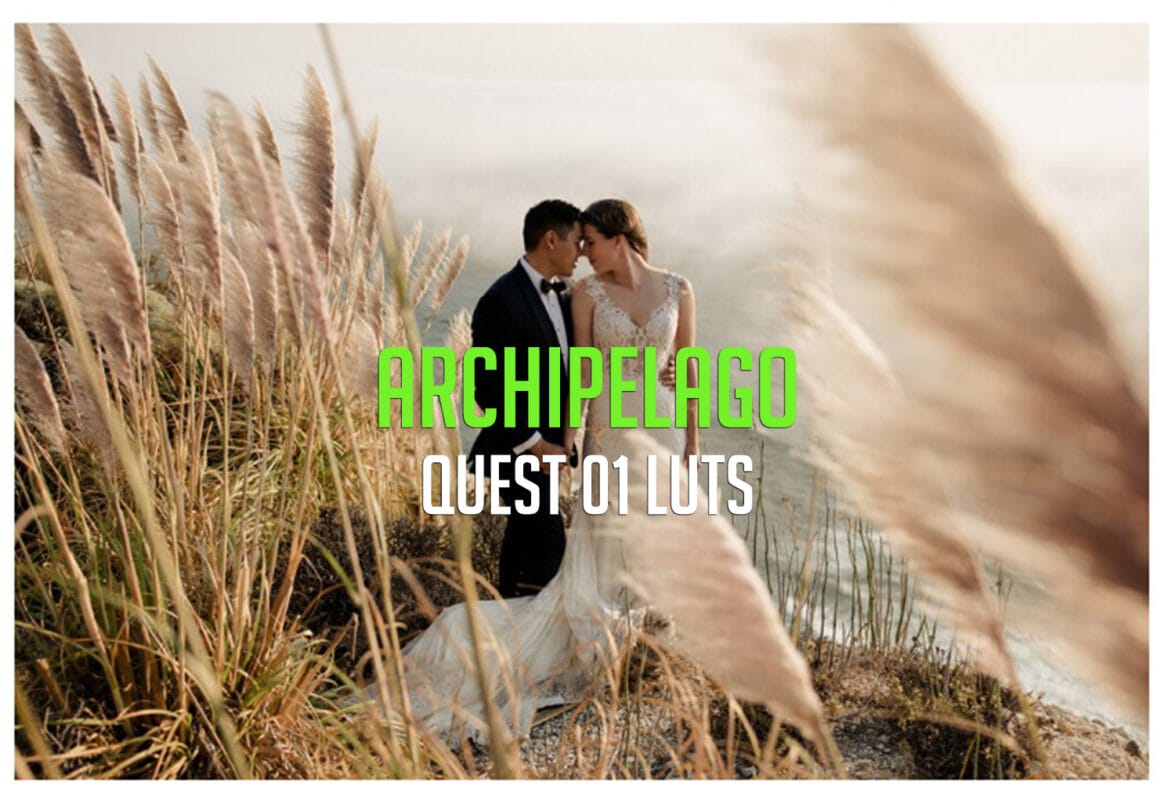
Archipelago Quest 01 LUTs
Archipelago Quest 01 LUTs - The first of our Quest signature series features a clean & modern preset with true skin tones that will be sure to delight portrait photographers who want something fresh & refined. With three very distinct variations, offering a range of tones from warm & creamy, to soft & romantic, to punchy & clean.
WORKS ON ALL MAJOR EDITING SOFTWARE