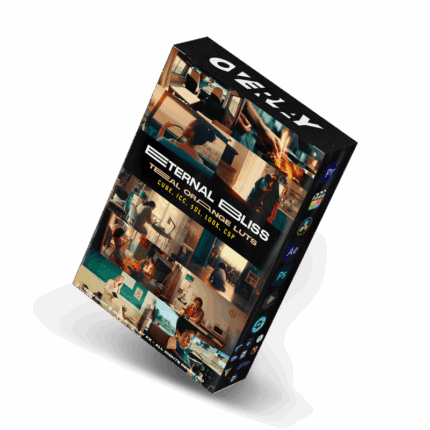


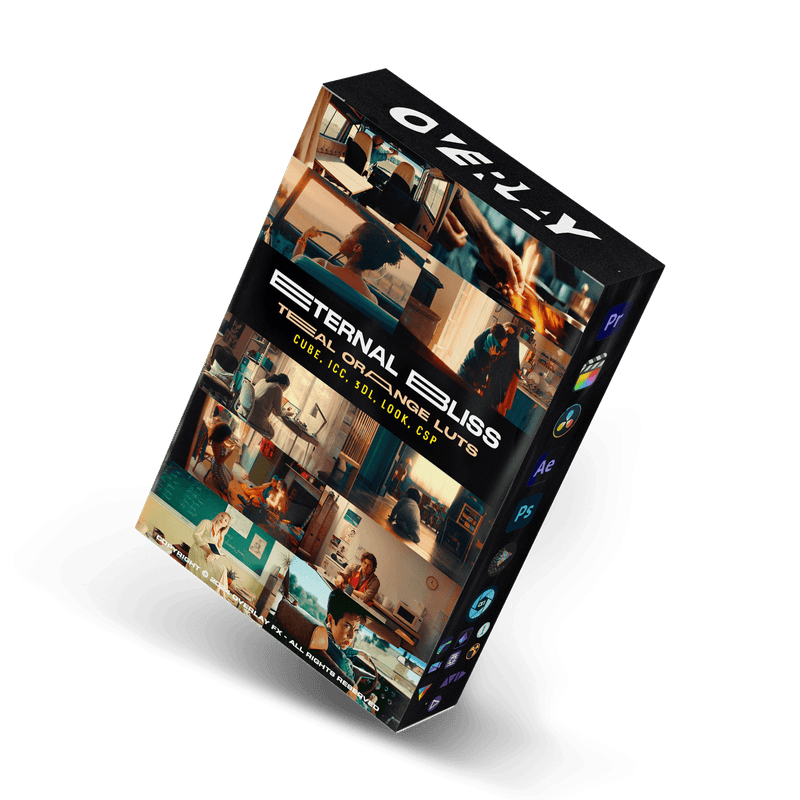


Overlay FX Teal Orange LUTs – The Eternal Bliss – Cine Teal Orange LUTs collection is a great option for filmmakers and content creators who want to achieve a polished, cinematic look with the iconic teal and orange color grading that’s so popular in today’s media.
Key Features Breakdown:
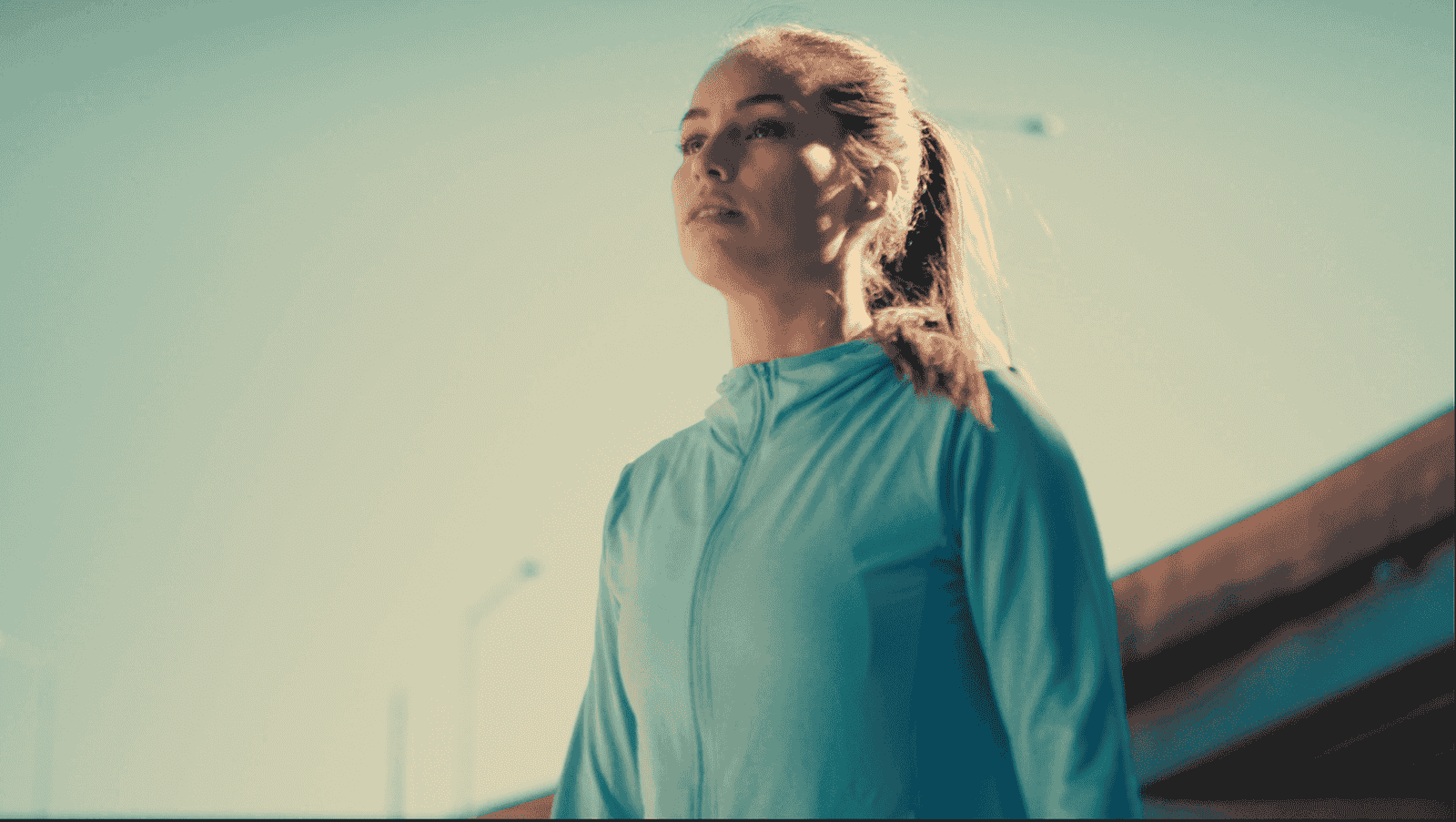
Iconic Teal and Orange Look: These LUTs focus on the classic and widely admired teal and orange color grading. This look adds a cinematic, vibrant contrast, with the cool tones of teal and the warm tones of orange, making it perfect for creating drama and visually stunning effects in your footage.
Multiple Formats for Compatibility: With formats like CUBE, 3DL, ICC, XMP, and CSP, you’re covered no matter which software you’re using. Whether you’re editing with Adobe Premiere Pro, Final Cut Pro, or DaVinci Resolve, you’ll be able to easily integrate these LUTs into your workflow.
Professional-Grade Color Grading: These LUTs are designed with the professional filmmaker and content creator in mind. They provide the precise color grading needed for films, commercials, and even social media content, ensuring a high-quality, cinematic finish.
Versatility: Whether you’re working on a narrative film, a commercial project, or creating engaging social media content, these LUTs will elevate your visuals. The versatility of the LUTs makes them suitable for a range of different content types.
Effortless Integration: The LUTs are easy to use and can be quickly integrated into your editing process, giving you a polished look without a steep learning curve.
https://lutsstudio.com/wp-content/uploads/2025/04/Eternal-Bliss-Cine-Teal-Orange-LUTs-Overlay-By-Full-Time-Filmmaker.mp4https://lutsstudio.com/wp-content/uploads/2025/04/Eternal-Bliss-Cine-Teal-Orange-LUTs-Overlay-By-Full-Time-Filmmaker_2.mp4
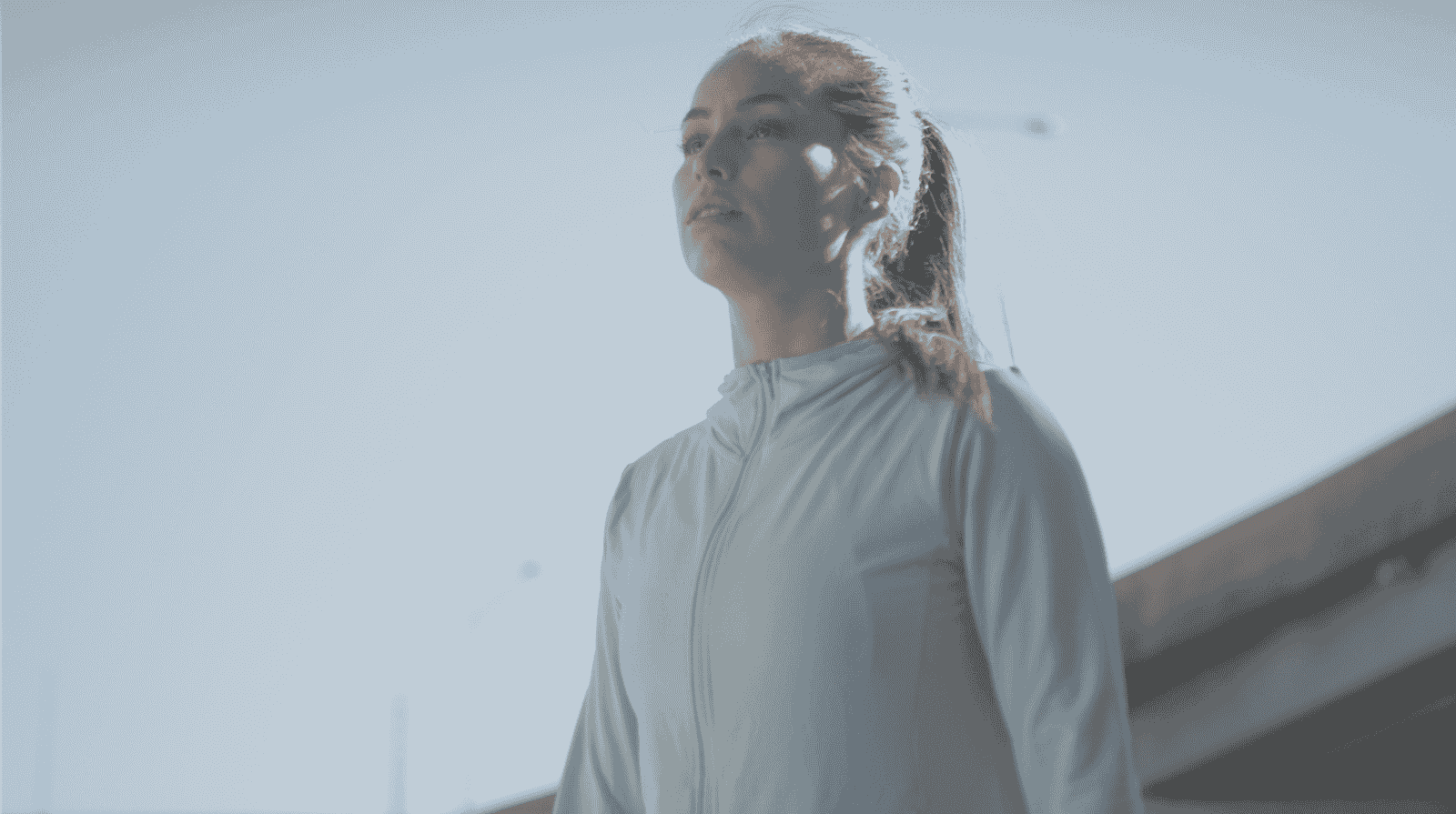
Before
After


Before
After
Why Choose the Eternal Bliss LUTs?
Cinematic Excellence: If you’re looking to give your footage that vibrant, movie-like color contrast that’s so widely used in film and high-quality commercials, this collection is perfect for achieving that “wow” factor.
Quick and Efficient: With multiple formats and ease of integration, you don’t need to worry about time-consuming adjustments or incompatibility issues.
This LUT pack is ideal for anyone who wants to replicate that high-budget, cinematic feel without requiring advanced color grading skills or extra time in post-production.
Are you planning on using these for a specific project, or are you exploring LUTs in general to enhance your content?
Perfect for achieving a stunning cinematic look, the Eternal Bliss LUTs are ideal for films, commercials, and social media content.
Achieve cinematic excellence with the Eternal Bliss – Cine Teal Orange LUTs collection. Designed for professional filmmakers and creators, these LUTs provide the ultimate teal and orange color grading, transforming your footage into stunning visual masterpieces. Effortless to integrate and compatible with all major software, elevate your content to new heights with the Eternal Bliss LUTs.
FOCUS KEYWORDS: cinematic luts, # Cinematic Tones LUTs, # Cinematic Video Effects, # Color Correction LUTs, # Color Enhancement LUTs, # Color Grading for Beginners, # color grading presets, # creative luts, davinci resolve luts, # Digital Cinema LUTs, # Documentary LUTs, # drone luts, # Final Cut Pro X LUTs, # DaVinci Resolve luts, # Adobe Premiere Pro LUTs, # photoshop luts, # Dynamic Range LUTs, # Film Emulation LUTs, # Film Noir LUTs, # Film Style LUTs, # Filmmaking LUTs, # final cut pro luts, # Free LUTs, # Fujifilm LUTs, # High Contrast LUTs, # Hollywood Look LUTs, # Indie Film LUTs, # kodak luts, # Luminar LUTs, # LUT Pack Bundles, # LUTs for YouTubers,Cinematic LUTs, # movie luts, # Natural LUTs, # photoshop luts, # Post Production LUTs, # professional color grading, # rec709 luts, # slog3 luts, # Sony LUTs, #Film Emulation LUTs, DaVinci PowerGrades, DaVinci Resolve DCTLs, DaVinci Resolve Fusion, Capture One, Lightroom Presets, Creative Film LUTs, Essential LUTs Pack, Best Film Emulation Pack, LUTs for ARRI, LogC3 LUTs for ACES, ACEScct LUTs for BMD Gen5, LUTs for Sony SLog3, LUTs for Panasonic V-Log, LUTs for Fuji F-Log2, LUTs for Apple Log, Film Grain and Overlays, Film Emulation Photoshop Teal and Orange LUTs, # travel luts, # Urban LUTs, # video editing luts, # Videography LUTs, # Vintage LUTs, # wedding luts.
Visual Aesthetic & Color Science
Delivering the iconic Hollywood blockbuster aesthetic, Overlay FX Teal Orange LUTs establishes striking complementary color separation. Warm amber and golden tones are pushed into midtones and skin highlights, while cool cyan and teal accents settle into shadows and background depths. This natural contrast separation draws immediate viewer focus to your central subject and gives any scene the grandeur of a multi-million-dollar feature film.
Camera & Profile Compatibility
Camera & Profile Compatibility: Engineered for both flat logarithmic gamuts (S-Log3, C-Log, D-Log M, V-Log) and standard Rec.709 color spaces across all mirrorless, drone, action cam, and cinema cameras.
Step-by-Step Color Grading Workflow & Before/After Technique
Before & After Grading Workflow: In DaVinci Resolve or Premiere Pro, normalize your shadows and highlights first. Apply Overlay FX Teal Orange LUTs to create the signature color separation. If your scene features heavy warm ambient light, fine-tune your color temperature slightly cooler to let the cyan shadows pop without making faces look artificially orange.
Supported Editing Software
Delivered in industry-standard 33×33×33 and 65×65×65 .CUBE 3D Look-Up Table formats. Universally compatible with:
- DaVinci Resolve (Studio & Free versions 17, 18, 19+)
- Adobe Premiere Pro & After Effects (Lumetri Color CC 2020 – 2026)
- Final Cut Pro X (via native Custom LUT effect)
- CapCut Desktop & Mobile (direct .CUBE import)
- Adobe Photoshop & Lightroom Classic (Color Lookup & XMP Profiles)
- VN Video Editor, LumaFusion, Filmora, and Sony Vegas Pro
Frequently Asked Questions
Q: How does Overlay FX Teal Orange LUTs achieve clean color separation without making skin look unnatural?
Overlay FX Teal Orange LUTs uses a targeted 3D color cube that isolates the skin tone vector (the line between yellow and red), protecting natural face hues while steering ambient shadows and cool tones toward cinematic cyan-teal.
Q: How do I install and apply Overlay FX Teal Orange LUTs in my video editing software?
In Adobe Premiere Pro, open Lumetri Color → Creative tab → Look → Browse and select the .cube file. In DaVinci Resolve, place the .cube file into your Project Settings LUT folder and apply it to any node in the Color Page. In Final Cut Pro X, add the Custom LUT effect to your clip.
Q: Does Overlay FX Teal Orange LUTs work with both 8-bit and 10-bit color footage?
Yes. While 10-bit footage (from cameras like Sony FX3, DJI Mavic 3, or iPhone 16 Pro) provides maximum grading elasticity, Overlay FX Teal Orange LUTs is mathematically tuned with smooth tonal interpolation to prevent color banding even when applied to standard 8-bit video clips.
Q: Can I adjust the intensity of Overlay FX Teal Orange LUTs to match my project style?
Yes. Every professional editing application includes an opacity or intensity slider (such as the Look Intensity slider in Premiere Lumetri or Key Output gain in DaVinci Resolve). We recommend starting at 100% and adjusting to between 70% and 90% for the most organic blend.
Related Products & Recommended Pairings
Enhance your filmmaking workflow by pairing this pack with these complementary color grading suites:
- Riyazmn Teal & Orange Standard Pack — Industry-standard Hollywood blockbuster color separation for high-budget visuals
- Overlay FX Teal & Orange LUTs — Punchy modern contrast with separated cyan shadows and warm skin highlights
- Cinematic Video LUTs Collection — Versatile multi-genre cinematic presets compatible with all major video editors
In this case, a revocation can only be made if the buyer has not yet downloaded the files. However, we will consider granting refunds under certain circumstances (e.g. duplicate order, the wrong preset is sent). We will grant refunds at our reasonable price. If the buyer requests a refund and a download has not been performed, we will honor a full refund to the customer.
Please take time to preview the product pictures, descriptions, and videos before you buy to avoid mistakes. We tried our best to gather all the important information for each product so that you preview and be satisfied before making a purchase. Thanks so much for choosing our products. We hope you’ll love them as much as we do!
Our team is incredibly responsive and takes pride in taking care of our customers. Please feel free to get in touch with us via the contact page or email us directly at [email protected] with any questions or concerns and we’ll be happy to help within 24 hours.

Archipelago Quest 01 LUTs
Archipelago Quest 01 LUTs - The first of our Quest signature series features a clean & modern preset with true skin tones that will be sure to delight portrait photographers who want something fresh & refined. With three very distinct variations, offering a range of tones from warm & creamy, to soft & romantic, to punchy & clean.
WORKS ON ALL MAJOR EDITING SOFTWARE


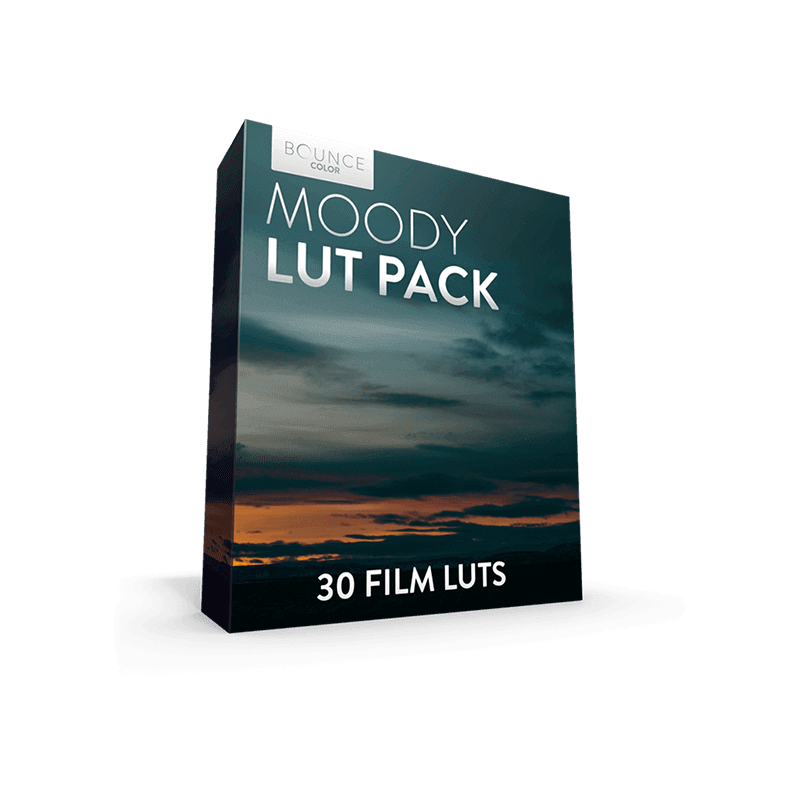
Bounce Moody LUT Pack
Bounce Moody LUT Pack created for all you lovers of epic landscapes and moody locations. This pack features 30 different Film LUTs to choose from with each one being unique. This will save you time and help you professionally grade your film.
Moody LUT Pack - 30 Film Looks
Compatible with all major editing software


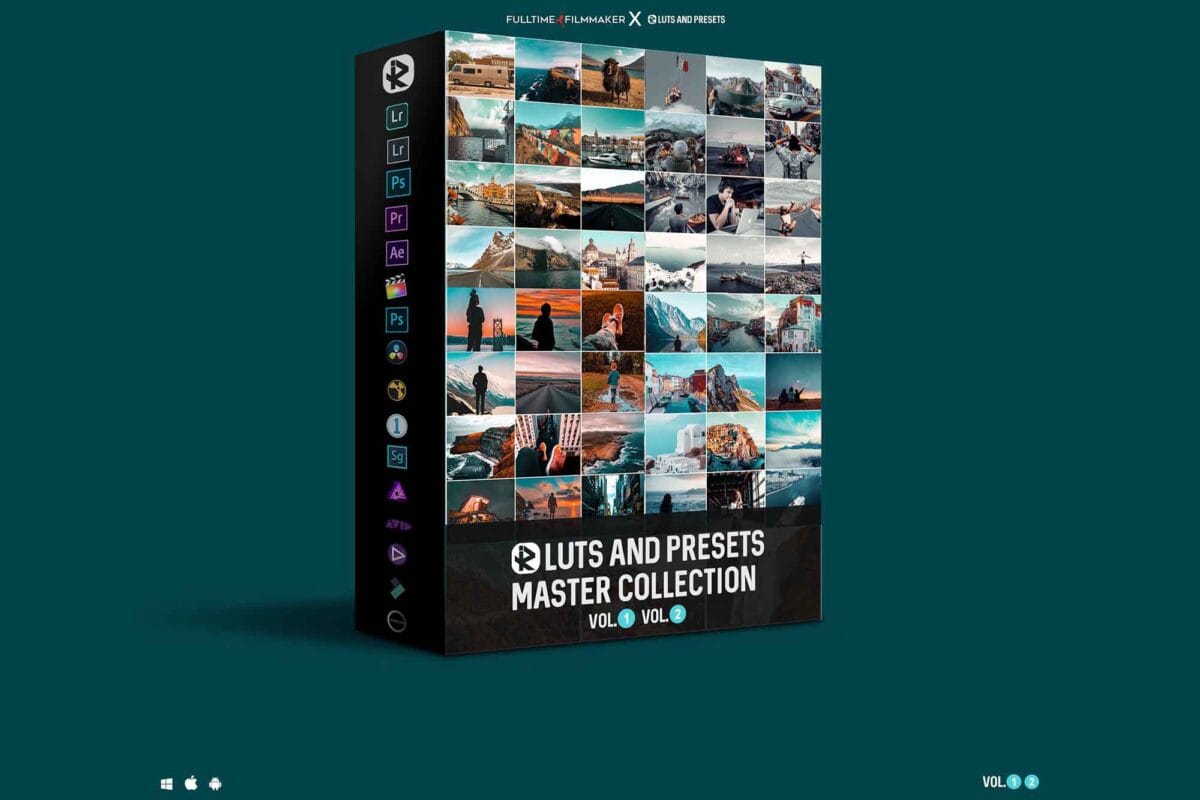
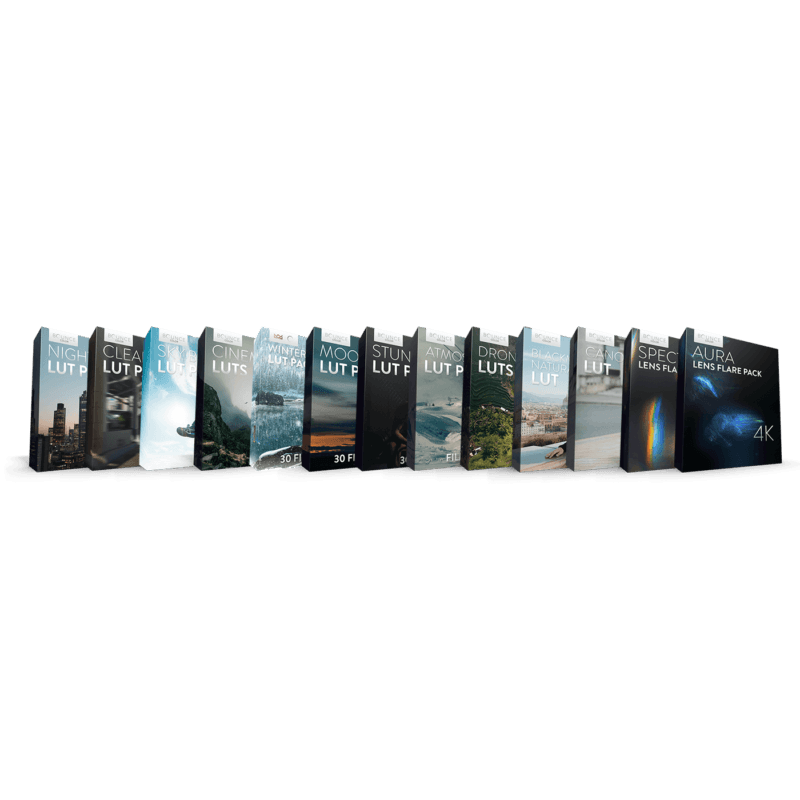
The Complete Filmmaking Bundle
The Complete Filmmaking Bundle | LUTs & Lens Flares
Take a look at our more up-to-date and better bundles:
The Complete Bundle is a must-have for any filmmaker's editing library. The bundle features a wide range of styles and effects that will allow your edits to reach new heights.