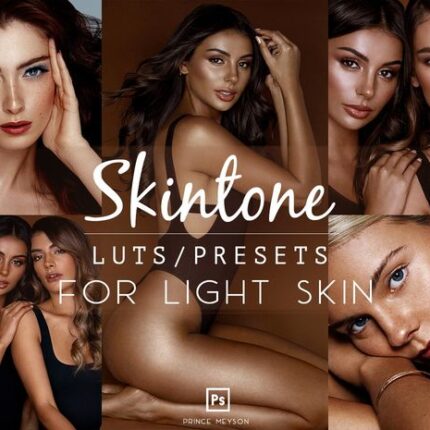


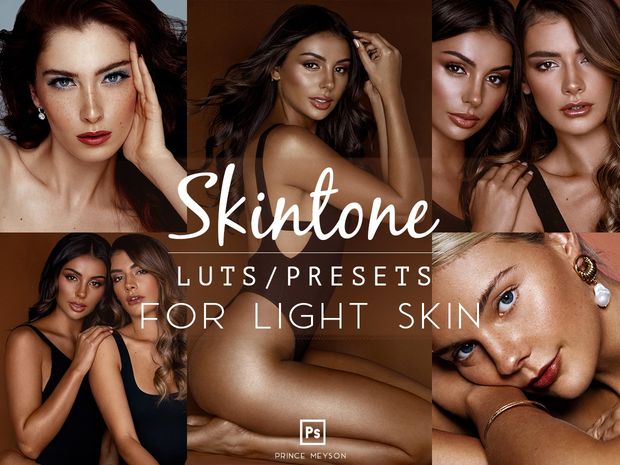

Prince Meyson Skin Tone LUTs for Light Skin – Photoshop Edition🎨
Enhance Your Photos Like a Pro with Skin Tone LUTs for Light Skin
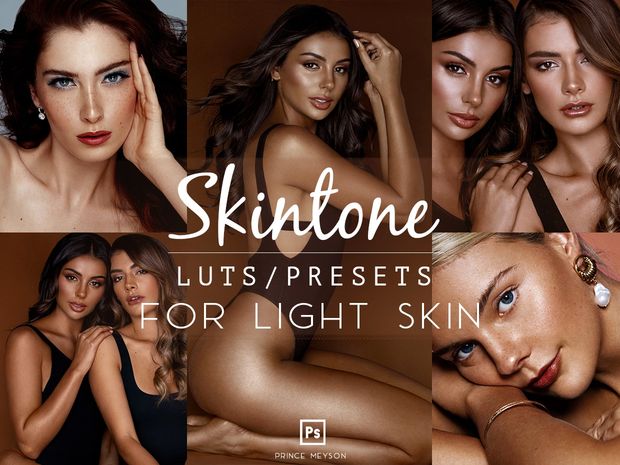
As photographers and editors, we all know that achieving the perfect skin tone in your photos can be tricky. Whether you’re shooting in a studio, on location, or in different lighting conditions, making sure the skin looks natural, glowing, and well-balanced is an art in itself. That’s where Prince Meyson’s Skin Tone LUTs for Light Skin come into play.
Crafted over 7 years of hands-on experience in both photography and retouching, these 10 signature LUTs are designed to elevate your images—focusing on enhancing light to medium skin tones while maintaining a natural and professional look. These LUTs are not just for professionals; they’re made to be easy to use and adaptable for anyone looking to improve their editing game.
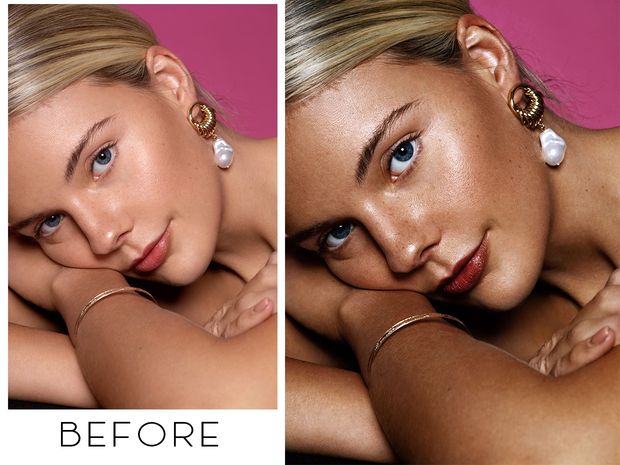
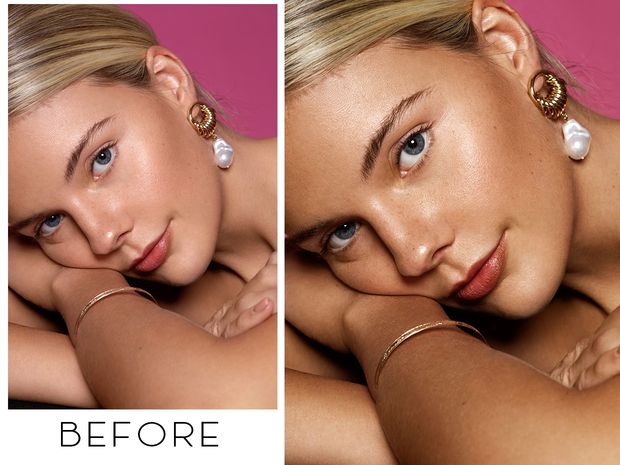
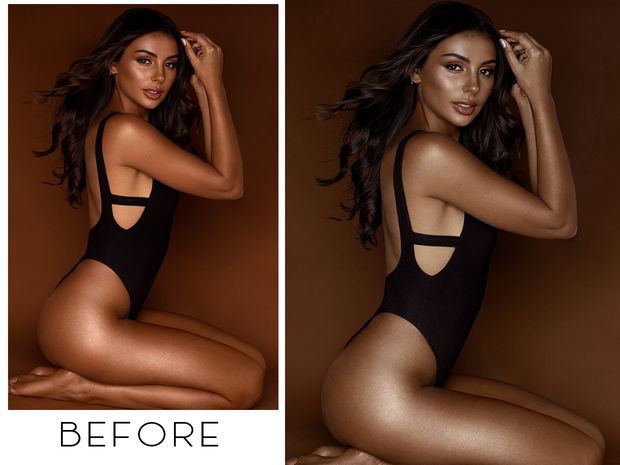
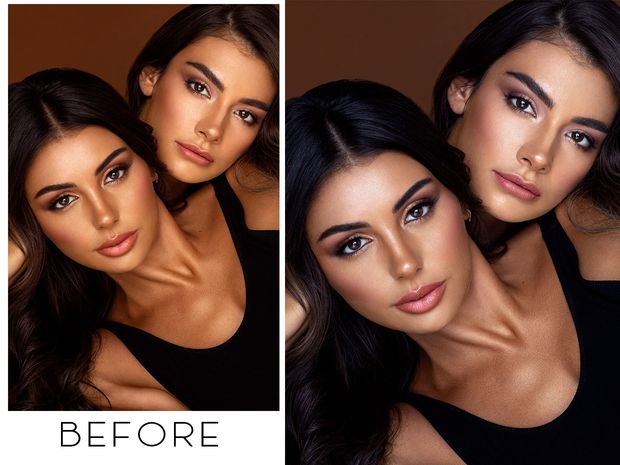
Why Choose Prince Meyson Skin Tone LUTs?
1. Designed for Light to Medium Skin Tones
These LUTs are specifically designed to bring out the best in light and medium skin tones. Whether you’re shooting portraits, beauty shots, or lifestyle images, these LUTs will give you the perfect balance of subtlety and vibrancy. No harsh color grading, just a natural, polished finish.
2. Crafted by an Experienced Photographer
With over 7 years of experience working with a variety of subjects and skin tones, Prince Meyson has refined these LUTs to create the perfect look. This collection of LUTs reflects years of learning and honing the art of retouching and color grading, ensuring you get professional-grade results every time.
3. Ideal for Studio and Beauty Shots
Whether you’re shooting in a controlled studio environment or capturing beauty portraits, these LUTs perform best with images shot at a white balance of 5000–6000 Kelvin. The color grading is designed to enhance natural skin tones and highlights, especially for beauty shots where skin tone is the focal point.
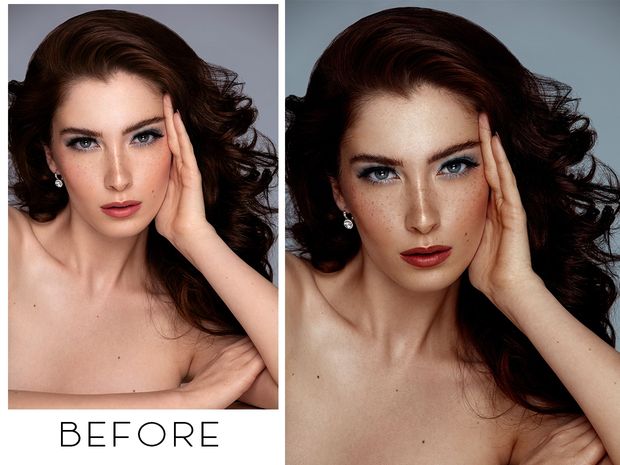
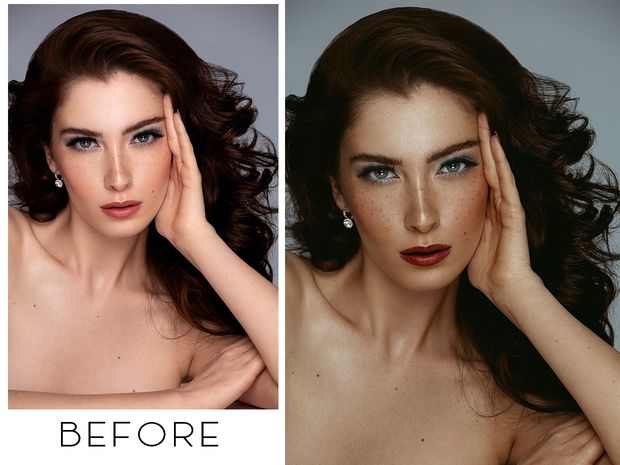
What’s Included in the Pack?
10 Signature Skin Tone LUTs: Tailored for Photoshop users, these LUTs are easy to install and use, providing instant results with minimal effort.
Customizable to Different Lighting Setups: These LUTs are versatile enough to work in a variety of lighting scenarios, though they are optimized for images shot with proper exposure and a white balance range of 5000K–6000K.
These LUTs will help you save time on editing without sacrificing the quality of your work. They’re perfect for anyone looking to speed up their workflow while ensuring that their skin tones always look their best.
Pro Tips for Using Prince Meyson LUTs
Use the Right Lighting: For the best results, shoot your images in the 5000K–6000K white balance range. This ensures the LUTs have the most impact and preserve the natural beauty of skin tones.
Play with Exposure: While the LUTs are tested for specific studio conditions, they are flexible enough to be used on images with varied exposure settings. You may want to tweak the exposure a little for best results depending on your lighting.
Experiment with Each LUT: Not every LUT will look the same on every image. Feel free to experiment and combine LUTs to get the exact look you want. Every image has its unique lighting and tone, so play around with the options until you find your perfect match.
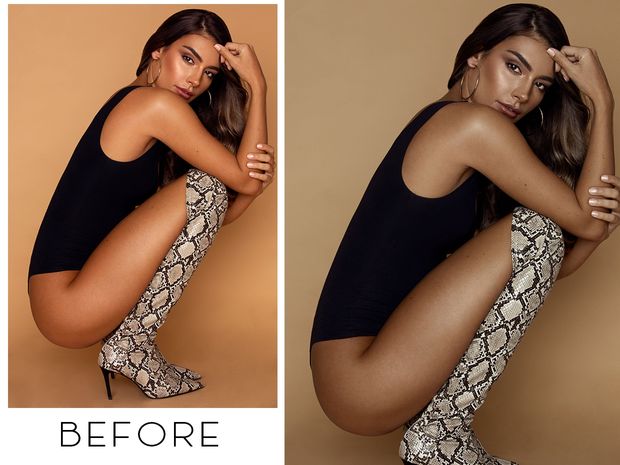
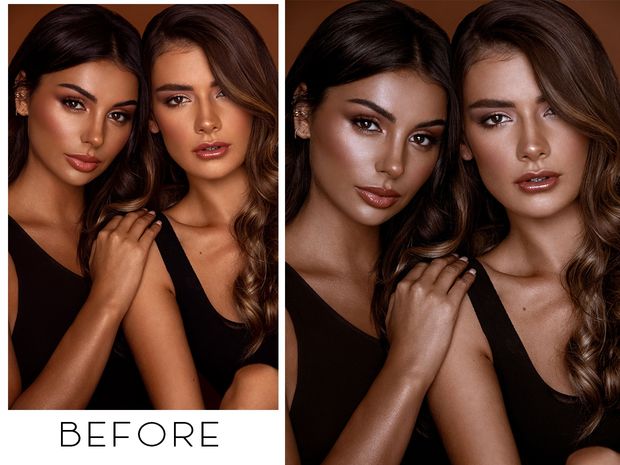
How to Install Prince Meyson Skin Tone LUTs for Photoshop
Installing the LUTs is simple! For a step-by-step guide, check out this video tutorial:
▶️ How to Install LUTs in Photoshop
Make sure to use a desktop or laptop for the download, as mobile devices are not supported. After installation, you can easily apply the LUTs to any of your photos in Photoshop and watch the magic happen!
A Few Important Notes:
LUTs Will Look Different Based on Lighting and Tones: Remember that results may vary depending on the lighting and exposure of your original image. These LUTs have been carefully crafted, but each image will have its own unique look after applying the presets.
No Refunds: Due to the digital nature of the product, there are no refunds available. But with 10 LUTs at your disposal, you’ll be sure to find the perfect fit for your photos!
Final Thoughts
The Prince Meyson Skin Tone LUTs for Light Skin are an essential tool for photographers and editors who want to enhance their portraits and beauty shots with ease. With these 10 expertly designed LUTs, you’ll be able to give your images that professional touch without spending hours on manual retouching. Whether you’re a beginner or an experienced editor, these LUTs are made to elevate your photo editing process and help you achieve perfect skin tones every time.
So, go ahead and have fun experimenting with these LUTs! Happy editing!
Visual Aesthetic & Color Science
Created specifically for portrait photographers, commercial beauty cinematographers, and wedding videographers, Prince Meyson Skin Tone LUTs for Light Skin prioritizes human skin tone fidelity above all else. It gently isolates melanin tones to prevent blotchiness, softens harsh specular skin highlights, and wraps ambient backgrounds in creamy, flattering contrast that elevates hair textures, eyes, and wardrobe colors without looking over-graded.
Camera & Profile Compatibility
Camera & Profile Compatibility: Compatible with all DSLR, mirrorless, and cinema cameras including Sony, Canon, Nikon, Fujifilm, Leica, and Panasonic, working seamlessly in both photo editors (Lightroom Classic, Photoshop ACR) and video editors (Premiere, Resolve, FCPX).
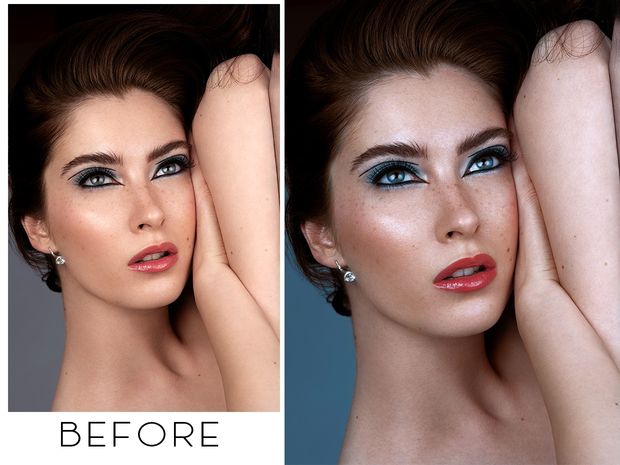
Step-by-Step Color Grading Workflow & Before/After Technique
Before & After Grading Workflow: Ensure your subject is properly lit with soft key lighting. Apply Prince Meyson Skin Tone LUTs for Light Skin to your image or video timeline. Because portrait lighting varies between indoor tungsten and outdoor golden hour, use the opacity slider (recommended 70% to 85%) to achieve the exact balance of soft skin warmth and editorial punch.
Supported Editing Software
Delivered in industry-standard 33×33×33 and 65×65×65 .CUBE 3D Look-Up Table formats. Universally compatible with:
- DaVinci Resolve (Studio & Free versions 17, 18, 19+)
- Adobe Premiere Pro & After Effects (Lumetri Color CC 2020 – 2026)
- Final Cut Pro X (via native Custom LUT effect)
- CapCut Desktop & Mobile (direct .CUBE import)
- Adobe Photoshop & Lightroom Classic (Color Lookup & XMP Profiles)
- VN Video Editor, LumaFusion, Filmora, and Sony Vegas Pro
Frequently Asked Questions
Q: Will Prince Meyson Skin Tone LUTs for Light Skin work well across different skin tones and ethnicities?
Absolutely. Prince Meyson Skin Tone LUTs for Light Skin was formulated with wide-gamut skin tone protection algorithms that respect diverse melanin levels, preventing orange over-saturation while preserving natural undertones.
Q: How do I install and apply Prince Meyson Skin Tone LUTs for Light Skin in my video editing software?
In Adobe Premiere Pro, open Lumetri Color → Creative tab → Look → Browse and select the .cube file. In DaVinci Resolve, place the .cube file into your Project Settings LUT folder and apply it to any node in the Color Page. In Final Cut Pro X, add the Custom LUT effect to your clip.
Q: Does Prince Meyson Skin Tone LUTs for Light Skin work with both 8-bit and 10-bit color footage?
Yes. While 10-bit footage (from cameras like Sony FX3, DJI Mavic 3, or iPhone 16 Pro) provides maximum grading elasticity, Prince Meyson Skin Tone LUTs for Light Skin is mathematically tuned with smooth tonal interpolation to prevent color banding even when applied to standard 8-bit video clips.
Q: Can I adjust the intensity of Prince Meyson Skin Tone LUTs for Light Skin to match my project style?
Yes. Every professional editing application includes an opacity or intensity slider (such as the Look Intensity slider in Premiere Lumetri or Key Output gain in DaVinci Resolve). We recommend starting at 100% and adjusting to between 70% and 90% for the most organic blend.
Related Products & Recommended Pairings
Enhance your filmmaking workflow by pairing this pack with these complementary color grading suites:
- Prince Meyson Skin Tone LUTs — Advanced melanin-preserving color grading matrix for flawless portraits
- Lut Wedding Style Master Pack — Timeless romantic color grading with creamy skin tones and warm golden highlights
- 20 Blossom Beauty LUTs Pack — Soft editorial pastel tones for beauty, fashion, and lifestyle cinematography
In this case, a revocation can only be made if the buyer has not yet downloaded the files. However, we will consider granting refunds under certain circumstances (e.g. duplicate order, the wrong preset is sent). We will grant refunds at our reasonable price. If the buyer requests a refund and a download has not been performed, we will honor a full refund to the customer.
Please take time to preview the product pictures, descriptions, and videos before you buy to avoid mistakes. We tried our best to gather all the important information for each product so that you preview and be satisfied before making a purchase. Thanks so much for choosing our products. We hope you’ll love them as much as we do!
Our team is incredibly responsive and takes pride in taking care of our customers. Please feel free to get in touch with us via the contact page or email us directly at [email protected] with any questions or concerns and we’ll be happy to help within 24 hours.


10 Natural Phs Action ACR LUT
10 Natural Phs Action ACR LUT
- COMPATIBILITY:
- For Photoshop Actions: Photoshop CC and above(with Adobe Camera Raw 6.6 and later)
- For ACR Presets: Photoshop CC and above(with Adobe Camera Raw 6.6 and later)
- For LUTs Presets: All Graphics Softwares that they can work with LUTs Preset such as Adobe Photoshop, Davinci Resolve, Adobe Premiere Pro, Adobe After Effects, Final Cut Pro and others
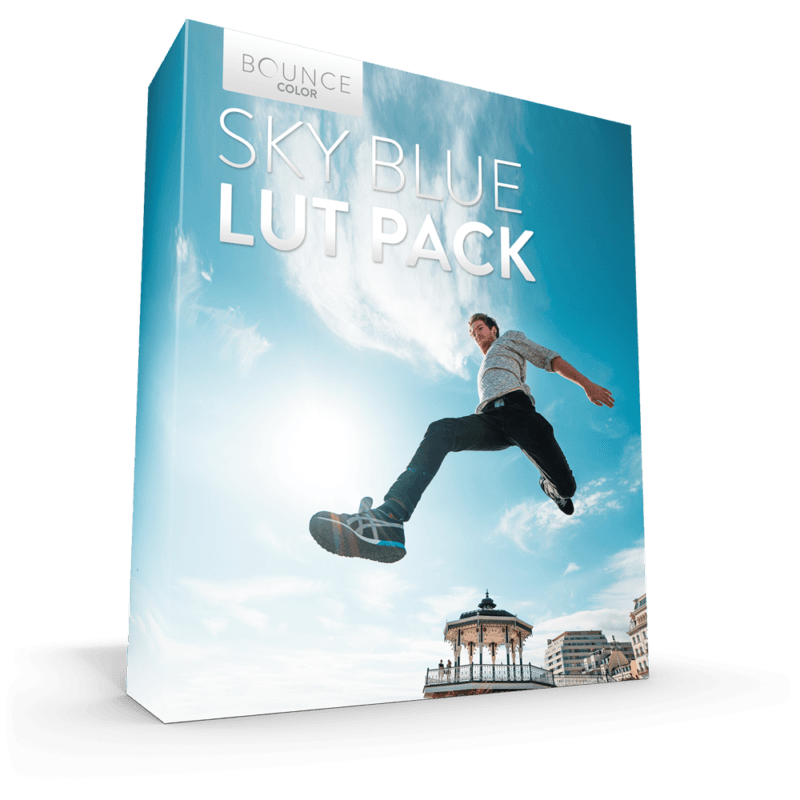
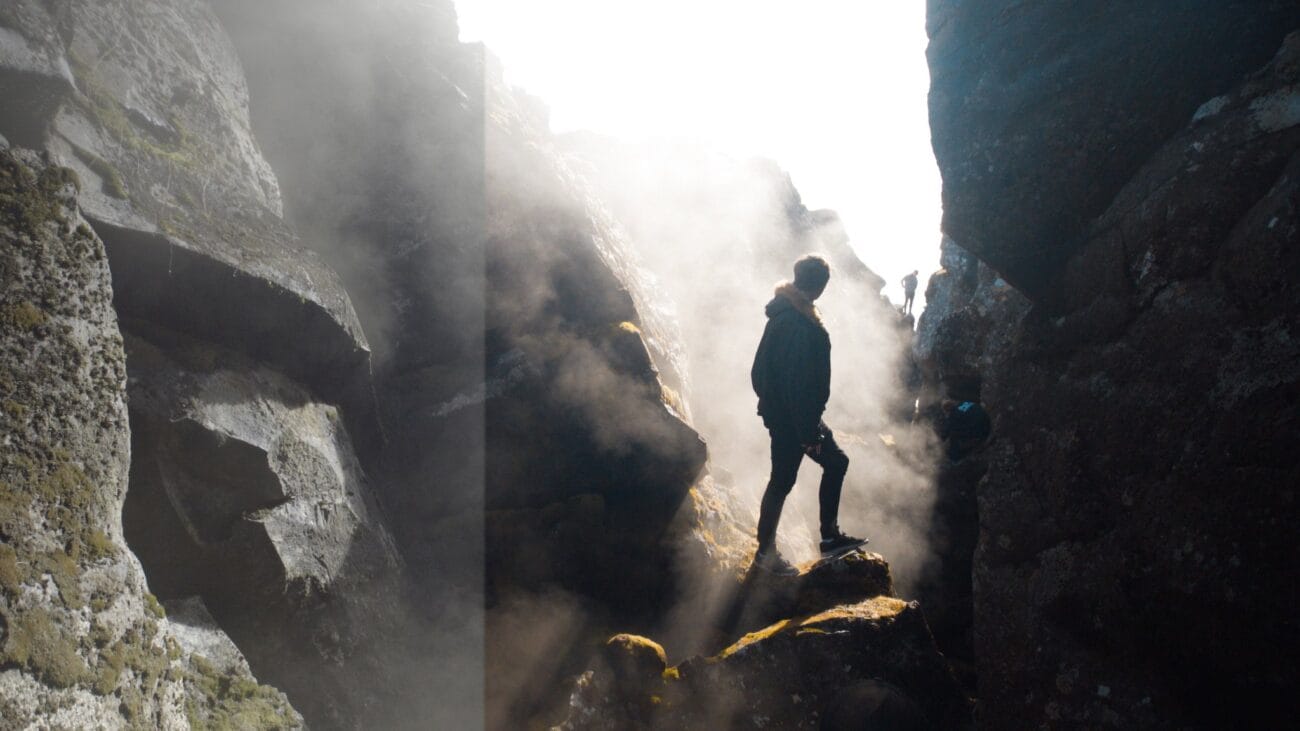
Sky Blue LUT Pack / All Cameras
Sky Blue LUT Pack / All Cameras
Specialized for Rec709 Standard, Sony SLOG2/3, rec709, DJI Drones, D-LOG, Panasonic V-LOG and GoPro. Instant worldwide download no matter where you are in the world.
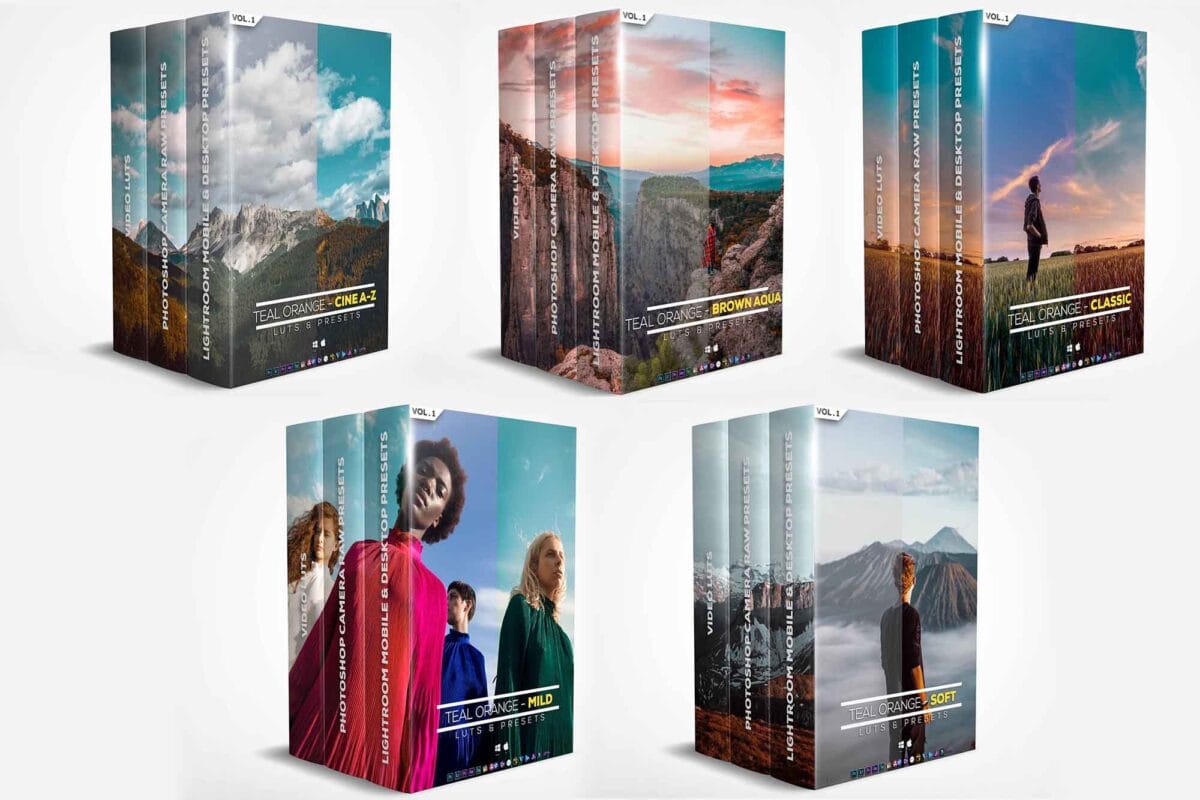
Ultimate Riyazmn Teal And Orange Standard Pack
Elevate your visuals with the Ultimate Riyazmn Teal and Orange Standard Pack. Featuring 100+ cinematic LUTs and presets, this pack delivers vibrant teal and orange tones for filmmakers, photographers, and content creators. Perfect for achieving that professional Hollywood color grade in seconds.
Free Download RiyazMN - Luts and Presets (Teal and Orange)
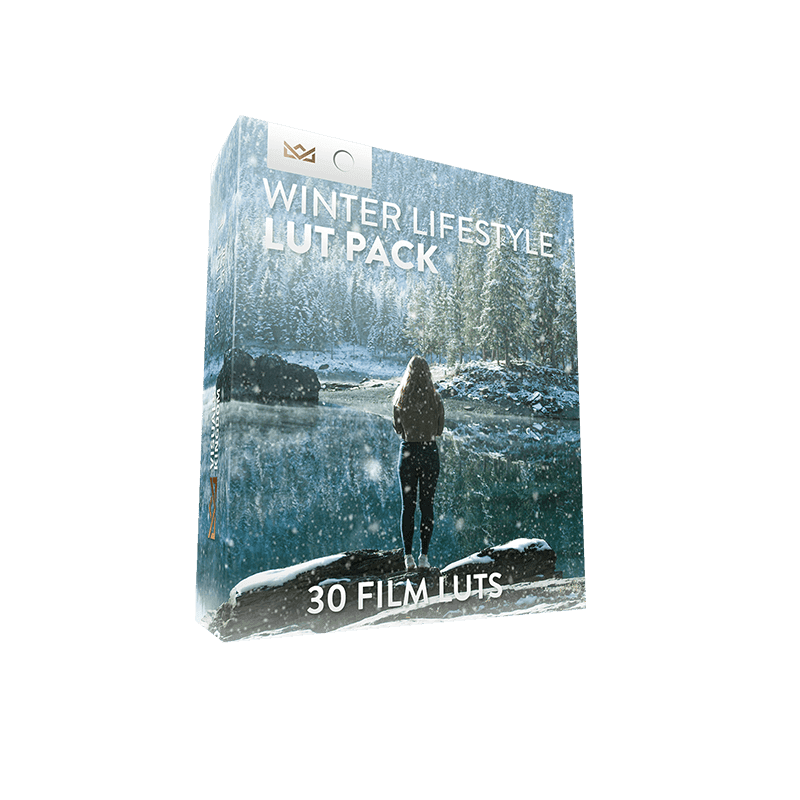
Winter Lifestyle Creative LUT Pack
Winter Lifestyle Creative LUT Pack
- Download instantly after purchase
- Requires No Experience
- Easy to Use
- Programs Supported - Premiere Pro CC, After Effects CC, Final Cut Pro X, Speedgrade, Photoshop, Da Vinci Resolve, AVID, Sony Vegas 13 (Vision Color LUT plugin needed), Filmora and many more.
- The different camera LUTs are only guides to use on specific cameras. You can use any of these LUTs on any camera by adjusting the contrast S-curve settings.
- Package Contents - 30 Winter Film LUTs for 7 camera profiles: rec709, Sony SLOG2/3, Canon, DJI D-Log, GoPro Protune, Nikon, REDCode RAW R3D, Panasonic GH5 V-LOG. 1x PDF instruction on how to install and use the LUTs.