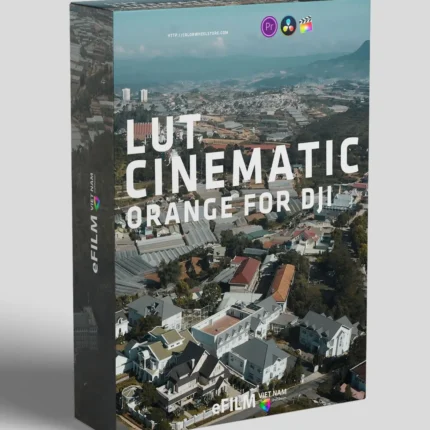
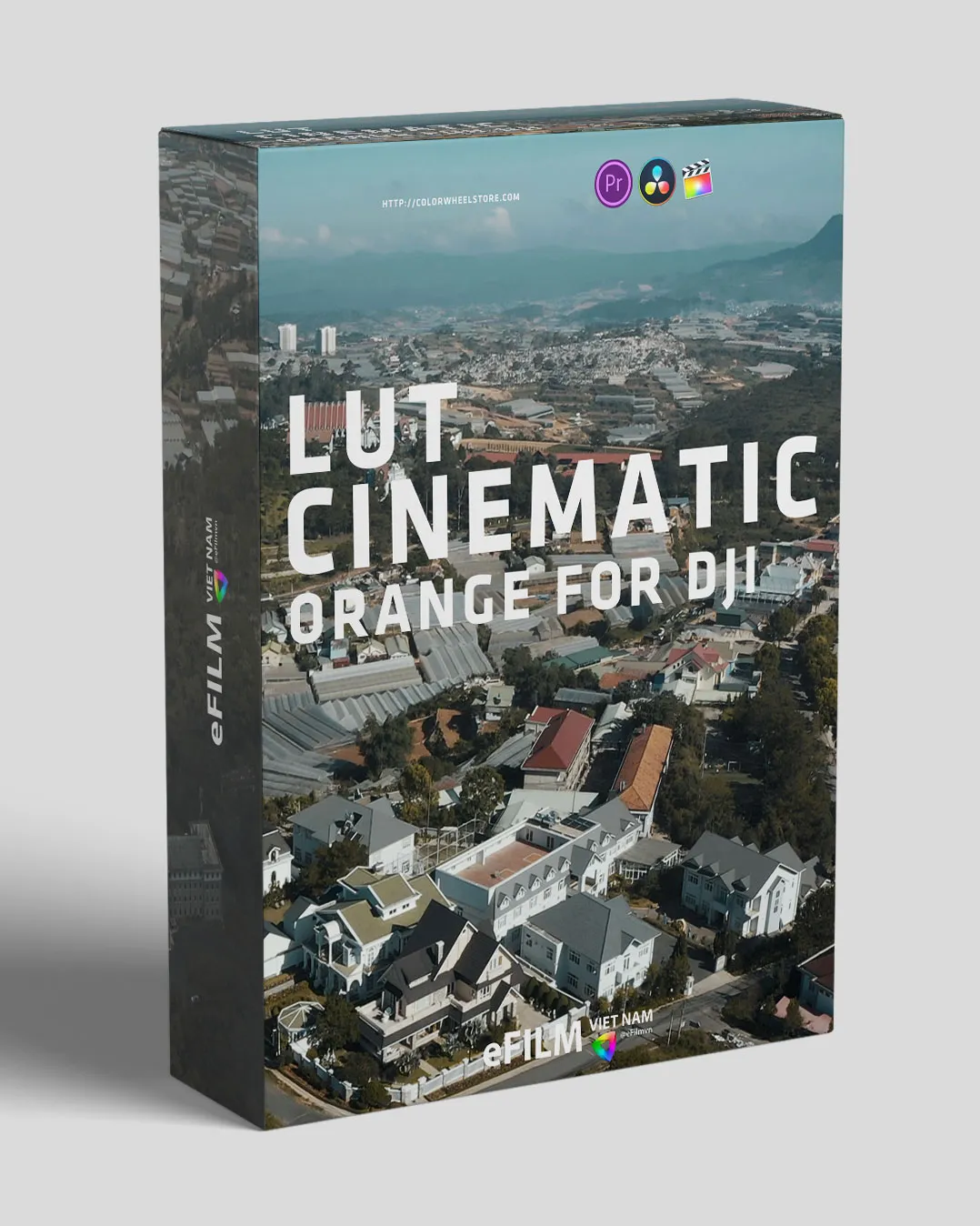
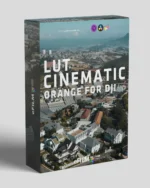


FREE – LUT Orange Lowkey for DJI | 4 Cinematic LUTs
$30,99 Original price was: $30,99.$20,99Current price is: $20,99.
FREE – LUT Orange Lowkey for DJI includes 4 cinematic LUTs in Log and Rec.709 formats. Perfect for DJI drones and other cameras. Compatible with Premiere Pro, DaVinci Resolve, and Final Cut Pro for instant cinematic results.
🎨 Also check out our Film Emulation LUTs and DaVinci Resolve DCTLs collections.
Product Title
FREE – LUT Orange Lowkey for DJI | 4 Cinematic LUTs
Free LUT Orange Lowkey for DJI delivers 4 professional cinematic LUTs for creating warm, lowkey orange tones in your footage. This Free LUT Orange Lowkey for DJI pack works with DJI camcorders and other camera models, compatible with RAW, Log, and Rec.709 footage. Use the Free LUT Orange Lowkey for DJI LUTs in Premiere Pro, DaVinci Resolve, or Final Cut Pro for professional, cinematic color grading.
Product Overview
FREE – LUT Orange Lowkey for DJI is a professional LUT collection designed to give your drone or camera footage a warm, cinematic orange tone. Perfect for DJI camcorders and other cameras, these LUTs create visually striking lowkey color grading for cinematic projects, travel videos, and aerial footage.
Each LUT is available in both Log and Rec.709 formats, ensuring maximum flexibility for all your video projects.
What’s Included
4 LUT sets with a dominant orange tone:
Efilmvn_DJI – CYORCT
Efilmvn_DJI – Orange RED
Efilmvn_DJI – ORBT
Efilmvn_DJI – WARMDT
Log and Rec.709 formats for each LUT
Compatible with multiple camera models, including DJI and others
Features & Benefits
Free professional LUTs for cinematic orange lowkey effects
Works with DJI footage, other drones, and camera models
Compatible with RAW, Log, and Rec.709 footage
Easy to use with Premiere Pro, DaVinci Resolve, Final Cut Pro, and more
Perfect for aerial footage, travel videos, and cinematic storytelling
Tutorials & Installation
Adobe Premiere Pro CC: Watch Tutorial
DaVinci Resolve: Watch Tutorial
Visual Aesthetic & Color Science
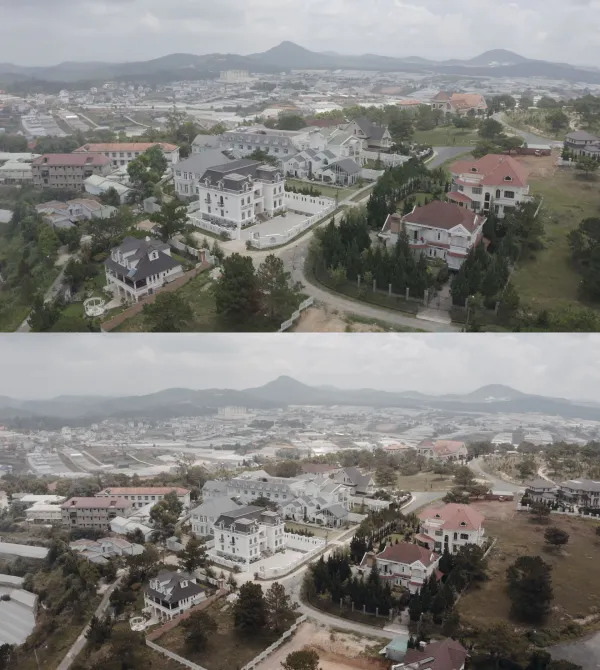
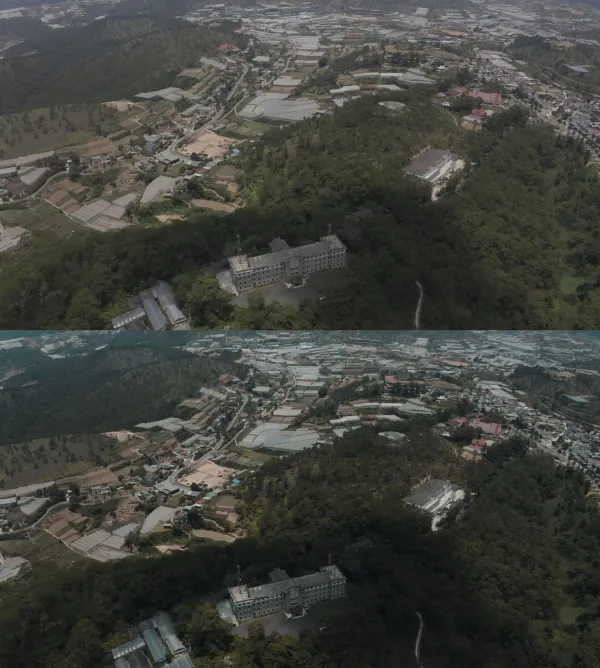
Engineered specifically to tame the extreme dynamic range of aerial cinematography, FREE resolves the typical color issues of drone sensors: harsh digital sharpening, oversaturated neon foliage, and clipped cloud highlights. By applying a smooth S-curve with gentle highlight compression, it transforms flat skies into deep cerulean and azure gradients while maintaining organic earth tones, emerald greens, and rich terracotta soils. The shadows are balanced with a subtle cool undertone to add atmospheric perspective and depth to mountain, coastal, and cityscape flyovers.
Camera & Profile Compatibility
Camera & Sensor Compatibility: Fully optimized for 10-bit D-Log and D-Log M profiles on DJI Mavic 3 Pro, Mavic 3 Classic, DJI Air 3, DJI Mini 4 Pro, DJI Avata 2, and Osmo Pocket 3. Also includes universal Rec.709 variants for older drones (Mavic 2 Pro, Mini 3 Pro) and standard picture profiles.
Step-by-Step Color Grading Workflow & Before/After Technique
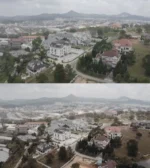
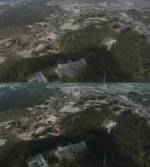
Before & After Grading Workflow: For optimal results, expose aerial footage using the 180-degree shutter rule with quality ND filters. Target exposure to the right (ETTR) using zebras at 95% to preserve shadow detail without blowing out specular cloud highlights. On your grading timeline (DaVinci Resolve or Premiere Pro Lumetri), adjust base white balance and lift/gamma before applying FREE. Modulate opacity between 75% and 90% for a subtle, high-budget broadcast look.
Supported Editing Software
Delivered in industry-standard 33×33×33 and 65×65×65 .CUBE 3D Look-Up Table formats. Universally compatible with:
- DaVinci Resolve (Studio & Free versions 17, 18, 19+)
- Adobe Premiere Pro & After Effects (Lumetri Color CC 2020 – 2026)
- Final Cut Pro X (via native Custom LUT effect)
- CapCut Desktop & Mobile (direct .CUBE import)
- Adobe Photoshop & Lightroom Classic (Color Lookup & XMP Profiles)
- VN Video Editor, LumaFusion, Filmora, and Sony Vegas Pro
Frequently Asked Questions
Q: Which DJI drones and camera profiles work best with FREE?
FREE is specifically tuned for DJI 10-bit D-Log and D-Log M profiles found on Mavic 3 Pro, Mavic 3 Classic, Air 3, Mini 4 Pro, and Osmo Pocket 3. Universal Rec.709 versions are also included for standard 8-bit drone footage.
Q: How do I install and apply FREE in my video editing software?
In Adobe Premiere Pro, open Lumetri Color → Creative tab → Look → Browse and select the .cube file. In DaVinci Resolve, place the .cube file into your Project Settings LUT folder and apply it to any node in the Color Page. In Final Cut Pro X, add the Custom LUT effect to your clip.
Q: Does FREE work with both 8-bit and 10-bit color footage?
Yes. While 10-bit footage (from cameras like Sony FX3, DJI Mavic 3, or iPhone 16 Pro) provides maximum grading elasticity, FREE is mathematically tuned with smooth tonal interpolation to prevent color banding even when applied to standard 8-bit video clips.
Q: Can I adjust the intensity of FREE to match my project style?
Yes. Every professional editing application includes an opacity or intensity slider (such as the Look Intensity slider in Premiere Lumetri or Key Output gain in DaVinci Resolve). We recommend starting at 100% and adjusting to between 70% and 90% for the most organic blend.
Related Products & Recommended Pairings
Enhance your filmmaking workflow by pairing this pack with these complementary color grading suites:
- DJI Power LUT Full Pack — M31-inspired blockbuster warm tones with protected highlights for aerial shots
- Phantom LUTs Mavic 3 Pro — Precision ARRI Alexa film color science calibrated for DJI 10-bit D-Log
- Film Tones Drone LUTs — Soft analog Kodak film density engineered specifically for drone landscapes
In this case, a revocation can only be made if the buyer has not yet downloaded the files. However, we will consider granting refunds under certain circumstances (e.g. duplicate order, the wrong preset is sent). We will grant refunds at our reasonable price. If the buyer requests a refund and a download has not been performed, we will honor a full refund to the customer.
Please take time to preview the product pictures, descriptions, and videos before you buy to avoid mistakes. We tried our best to gather all the important information for each product so that you preview and be satisfied before making a purchase. Thanks so much for choosing our products. We hope you’ll love them as much as we do!
Our team is incredibly responsive and takes pride in taking care of our customers. Please feel free to get in touch with us via the contact page or email us directly at [email protected] with any questions or concerns and we’ll be happy to help within 24 hours.
RELATED PRODUCTS
Atmospheric Film LUTs
Atmospheric Film LUTs aim is to let you achieve a film look with pretty much any type of scene. Inside are 4 unique LUTs that work on nearly all types of footage. Each of the 4 LUTs gives a different look to each other. We have designed each one to work directly with the most popular types of specific camera LOG profiles. Also, there are rec709 versions that can be used on any camera using standard color (rec709).
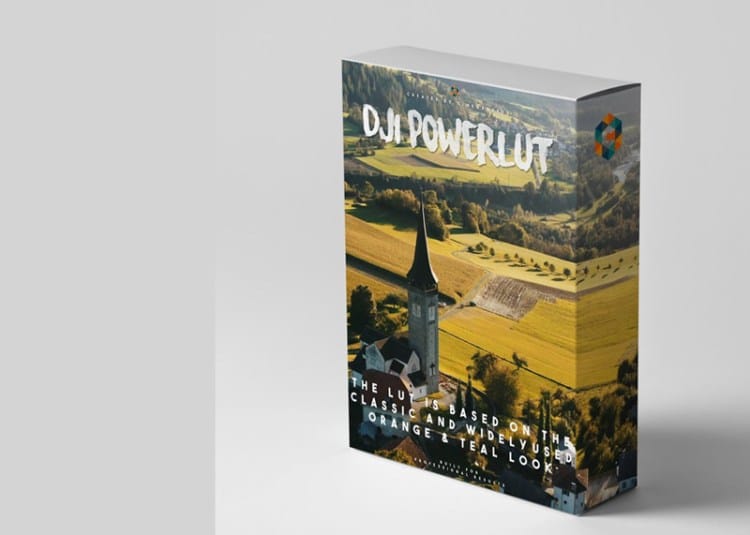
DJI Power LUT Full Pack
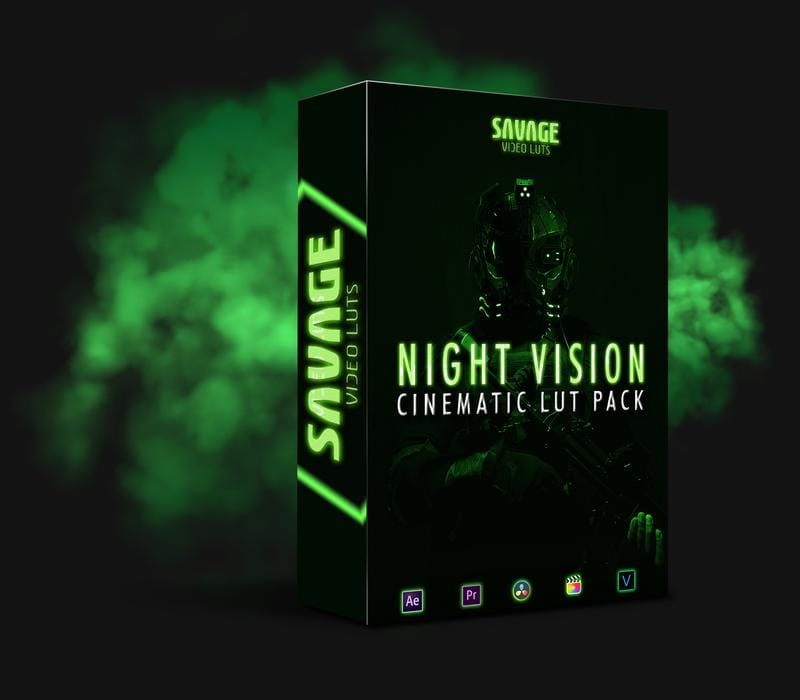
NIGHT VISION LUTS PACK
Sony Natural LUT Pack
Sony Natural LUT Pack | SLog2 & SLog3 to Enhanced Rec709 LUTs
Convert your high dynamic range Sony S-Log2 & S-Log3 to a naturally enhanced look. Designed to fix Sony's skin-tone issues and highlight roll-off.
The main LUTs work with all Sony cameras using S-Log2 LUTs & S-Log3 LUTs. Monitor LUTs included.
- How to Use LUTs
- Camera Settings for LUTs
- How to use Lens Flares
- What are LUTs?
- 5 Reasons to be using LUTs
- Free Sample LUTs
Scroll down for specifications & more!