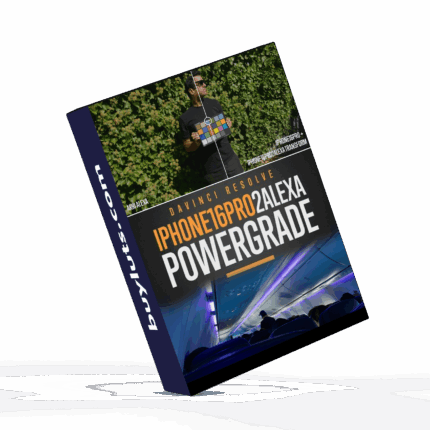


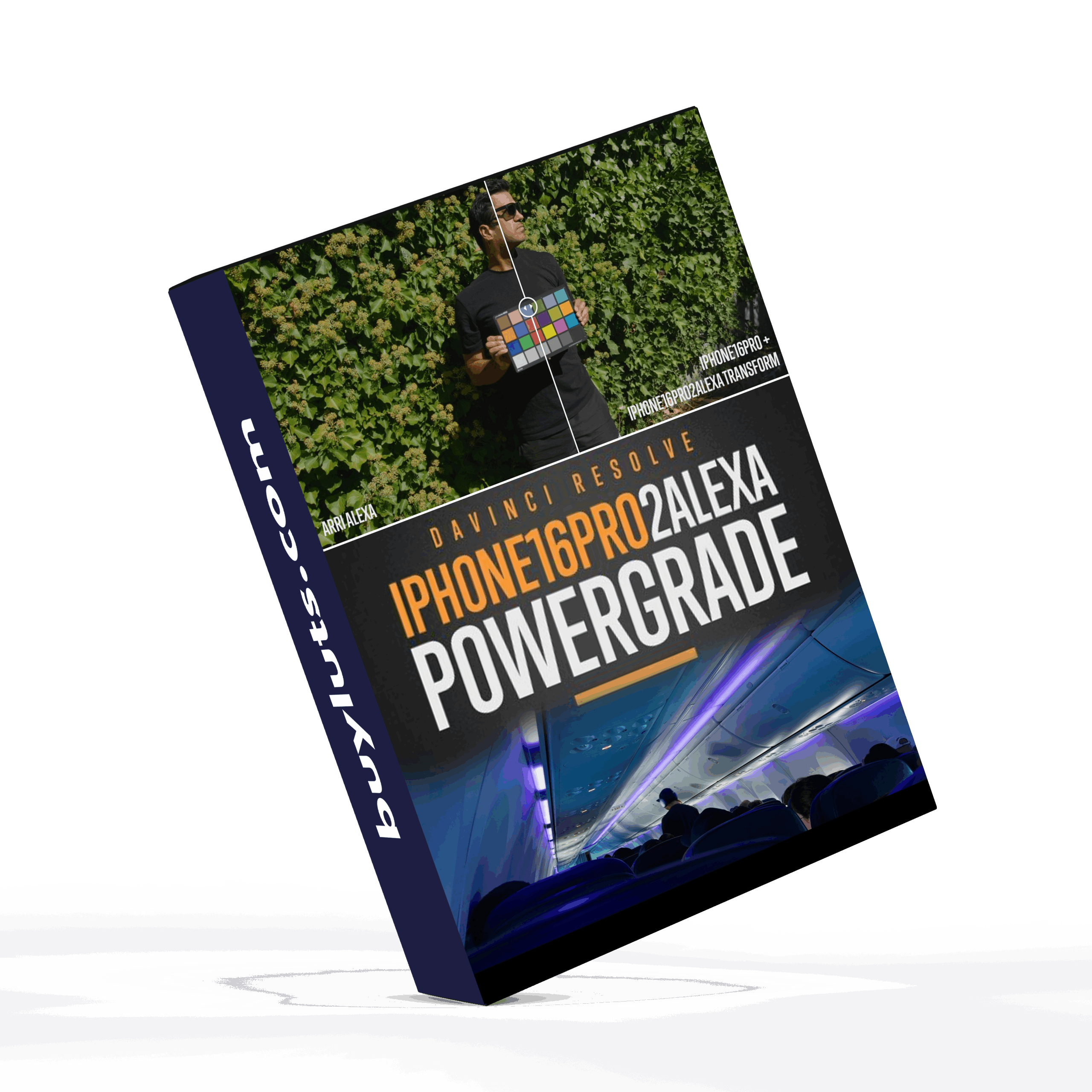


iPhone16Pro2Alexa LUTs


Before
After
📸 iPhone16Pro2Alexa LUTs : Bring ARRI Alexa Quality to Your iPhone Footage
With the introduction of Apple Log on the iPhone 15 Pro and refined further on the iPhone 16 Pro/Max, mobile filmmakers now have access to an unprecedented amount of dynamic range and flexibility. But while the capture capabilities have evolved, many creators still crave that cinematic ARRI Alexa “look” — and that’s where the iPhone16Pro2Alexa LUT and PowerGrade packages come in.
Let’s break down what’s included in this professional-grade toolkit and how it can elevate your mobile cinematography.
🎨 What’s Included
🔹 LUT VERSION (Ideal for Premiere Pro, Final Cut, and Quick Workflows)
iPhone16Pro to Alexa LogC LUT
Transforms Apple Log footage from the iPhone 16 Pro/Max to match the Alexa’s native LogC color space — the gold standard for digital cinema color grading.
ARRI LogC2Video LUTs
The latest official ARRI LogC to Rec709 conversion LUTs in four versatile flavors:
Standard
Standard V2
Standard V3
Wide Dynamic Range V2 (WDR V2)
Post-Production Rec709 LUTs (x65 precision)
Perfect for final grading. These high-precision LUTs combine the iPhone-to-Alexa transform with your choice of Rec709 output look (Standard V2, V3, or WDR V2).
In-Camera/On-Set Rec709 LUTs (x33 precision)
Optimized for real-time monitoring on iPhones or external monitors. These are ideal for on-set use or quick previews.
No Snake Oil: The transforms are built from real profiling, not hype. You get results you can trust.
🔹 POWERGRADE VERSION (For DaVinci Resolve Users)
iPhone16Pro2Alexa PowerGrade
A node-based workflow in DaVinci Resolve that recreates the ARRI LogC look from your iPhone’s Apple Log footage — with a full Rec709 conversion included.
iPhone16Pro2Alexa RCM PowerGrade
For Resolve Color Managed (RCM) users, this version integrates directly into RCM workflows for seamless color science alignment.
ARRI LogC2Video LUTs
Same four official ARRI LUTs for Rec709 output.
In-Camera/On-Set Rec709 LUTs
Also included in x33 precision, tailored for live previews or camera monitor LUT loading.
💡 LUT or PowerGrade — Which Should You Choose?
| You Edit In… | Get This |
|---|---|
| Premiere Pro, Final Cut, or need fast turnaround | LUT Version |
| DaVinci Resolve for deep grading control | PowerGrade Version |
| A mix of both or want the full toolset | Bundle |
If your workflow centers around flexibility and color grading inside Resolve, the PowerGrade version offers maximum control and visual fidelity. If you need speed or work in an NLE, the LUT version will get you cinematic results in a fraction of the time.
❓FAQ: Will This Work on iPhone 15 Pro/Max?
Absolutely. Although the sensors differ slightly between the iPhone 15 and 16 Pro models, those differences are about the same as switching between ultra-wide, main, and telephoto cameras. The LUTs are built to handle these variations gracefully.
📅 Update History
11.04.2025 — Initial Release
Whether you’re shooting a short film, branded content, or just leveling up your iPhone cinematography, the iPhone16Pro2Alexa LUTS toolkit brings the unmistakable ARRI color science to your pocket.
Ready to transform your iPhone footage into cinema-quality visuals?
iPhone16Pro2Alexa Sample Images
These samples were recorded in Apple Log in Prores 422 using the Blackmagic Cam app. They have been lightly graded.


FOCUS KEYWORDS: cinematic luts, # Cinematic Tones LUTs, # Cinematic Video Effects, # Color Correction LUTs, # Color Enhancement LUTs, # Color Grading for Beginners, # color grading presets, # creative luts, davinci resolve luts, # Digital Cinema LUTs, # Documentary LUTs, # drone luts, # Final Cut Pro X LUTs, # DaVinci Resolve luts, # Adobe Premiere Pro LUTs, # photoshop luts, # Dynamic Range LUTs, # Film Emulation LUTs, # Film Noir LUTs, # Film Style LUTs, # Filmmaking LUTs, # final cut pro luts, # Free LUTs, # Fujifilm LUTs, # High Contrast LUTs, # Hollywood Look LUTs, # Indie Film LUTs, # kodak luts, # Luminar LUTs, # LUT Pack Bundles, # LUTs for YouTubers,Cinematic LUTs, # movie luts, # Natural LUTs, # photoshop luts, # Post Production LUTs, # professional color grading, # rec709 luts, # slog3 luts, # Sony LUTs, #Film Emulation LUTs, DaVinci PowerGrades, DaVinci Resolve DCTLs, DaVinci Resolve Fusion, Capture One, Lightroom Presets, Creative Film LUTs, Essential LUTs Pack, Best Film Emulation Pack, LUTs for ARRI, LogC3 LUTs for ACES, ACEScct LUTs for BMD Gen5, LUTs for Sony SLog3, LUTs for Panasonic V-Log, LUTs for Fuji F-Log2, LUTs for Apple Log, Film Grain and Overlays, Film Emulation Photoshop Teal and Orange LUTs, # travel luts, # Urban LUTs, # video editing luts, # Videography LUTs, # Vintage LUTs, # wedding luts.
Visual Aesthetic & Color Science
Optimized for mobile videography and smartphone content creators, iPhone16Pro2Alexa LUTs eliminates the over-processed digital look typical of smartphone video. By smoothing over-sharpened edge contrast and restoring natural color gradation, it transforms flat smartphone recordings into rich, filmic visuals suitable for professional Instagram Reels, TikTok, YouTube Shorts, and commercial client deliverables.
Camera & Profile Compatibility
Camera & Mobile Compatibility: Native support for Apple Log on iPhone 15 Pro and iPhone 16 Pro (ProRes 4K and Blackmagic Camera App), Samsung Galaxy Pro Video, Google Pixel HDR, and all standard Rec.709 mobile video files.
Step-by-Step Color Grading Workflow & Before/After Technique
Before & After Grading Workflow: When recording in Apple Log, use the Blackmagic Camera App or native camera set to ProRes Log with locked white balance. Import your clip into CapCut, VN Editor, LumaFusion, DaVinci Resolve, or Premiere Pro, apply iPhone16Pro2Alexa LUTs, and adjust intensity to 80% for natural, flattering skin tones and vibrant backgrounds.
Supported Editing Software
Delivered in industry-standard 33×33×33 and 65×65×65 .CUBE 3D Look-Up Table formats. Universally compatible with:
- DaVinci Resolve (Studio & Free versions 17, 18, 19+)
- Adobe Premiere Pro & After Effects (Lumetri Color CC 2020 – 2026)
- Final Cut Pro X (via native Custom LUT effect)
- CapCut Desktop & Mobile (direct .CUBE import)
- Adobe Photoshop & Lightroom Classic (Color Lookup & XMP Profiles)
- VN Video Editor, LumaFusion, Filmora, and Sony Vegas Pro
Frequently Asked Questions
Q: Can I use iPhone16Pro2Alexa LUTs directly inside mobile editing apps like CapCut and VN?
Yes! iPhone16Pro2Alexa LUTs comes in industry-standard .CUBE format, which can be imported directly into CapCut (desktop and mobile), VN Video Editor, LumaFusion, and Adobe Premiere Rush without requiring a desktop computer.
Q: How do I install and apply iPhone16Pro2Alexa LUTs in my video editing software?
In Adobe Premiere Pro, open Lumetri Color → Creative tab → Look → Browse and select the .cube file. In DaVinci Resolve, place the .cube file into your Project Settings LUT folder and apply it to any node in the Color Page. In Final Cut Pro X, add the Custom LUT effect to your clip.
Q: Does iPhone16Pro2Alexa LUTs work with both 8-bit and 10-bit color footage?
Yes. While 10-bit footage (from cameras like Sony FX3, DJI Mavic 3, or iPhone 16 Pro) provides maximum grading elasticity, iPhone16Pro2Alexa LUTs is mathematically tuned with smooth tonal interpolation to prevent color banding even when applied to standard 8-bit video clips.
Q: Can I adjust the intensity of iPhone16Pro2Alexa LUTs to match my project style?
Yes. Every professional editing application includes an opacity or intensity slider (such as the Look Intensity slider in Premiere Lumetri or Key Output gain in DaVinci Resolve). We recommend starting at 100% and adjusting to between 70% and 90% for the most organic blend.
Related Products & Recommended Pairings
Enhance your filmmaking workflow by pairing this pack with these complementary color grading suites:
- iPhone 16 Pro to ARRI Alexa LUTs — Professional ARRI color science matrix for 10-bit Apple Log footage
- Envijon Cinematic Mobile LUTs — Optimized for CapCut, VN, and Premiere Rush mobile social media editing
- Free Starter LUTs Pack — Test our cinematic color matrices on your iPhone and smartphone clips for free
In this case, a revocation can only be made if the buyer has not yet downloaded the files. However, we will consider granting refunds under certain circumstances (e.g. duplicate order, the wrong preset is sent). We will grant refunds at our reasonable price. If the buyer requests a refund and a download has not been performed, we will honor a full refund to the customer.
Please take time to preview the product pictures, descriptions, and videos before you buy to avoid mistakes. We tried our best to gather all the important information for each product so that you preview and be satisfied before making a purchase. Thanks so much for choosing our products. We hope you’ll love them as much as we do!
Our team is incredibly responsive and takes pride in taking care of our customers. Please feel free to get in touch with us via the contact page or email us directly at [email protected] with any questions or concerns and we’ll be happy to help within 24 hours.
Cinema LUT Pack Vol1
Cinema LUT Pack Vol1
Available as part of the Ultimate LUT Bundle or The Super Bundle (Save over 80%)
- 10 designer LUTs
included
- Delivered in. Cube format
- Available as an instant download
- Compatible with most editing software; Adobe Premiere, Final Cut Pro, DaVinci Resolve, Photoshop, After Effects, Speed Grade, Filmora, AVID, Sony Vegas, and more.
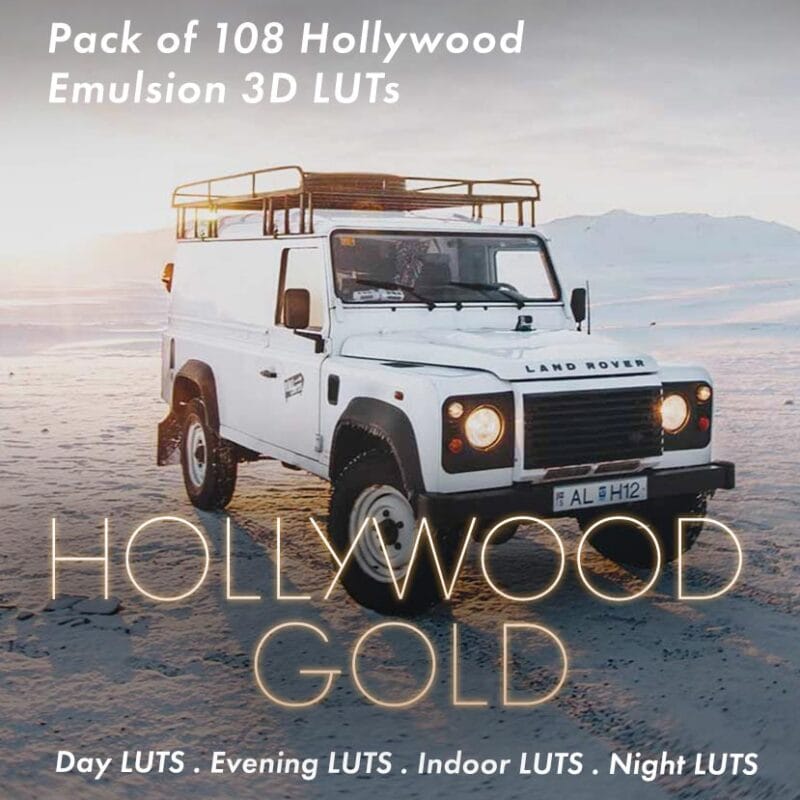
Hollywood Bundle Pack
Colorist Factory - Hollywood Bundle Pack
132 (108 24) Creative Loot
– Based on color theory
– Separate LUTs for night, day, evening, indoor lighting
– The best of both worlds.
Features
Encoded using a time-based algorithm
LUTs for different types of shots
Way ahead of traditional market LUTs/Filters
Designed for high-production to low-budget filmmaking
Literally cuts grading time in half (read reviews)
Compatible With
Premiere Pro
Final Cut Pro X
Davinci Resolve
After Effects
Avid Media Composer
Wondershare Filmora
Sony Vegas
Capture One
Lightroom


Sony Natural LUT Pack
Sony Natural LUT Pack | SLog2 & SLog3 to Enhanced Rec709 LUTs
Convert your high dynamic range Sony S-Log2 & S-Log3 to a naturally enhanced look. Designed to fix Sony's skin-tone issues and highlight roll-off.
The main LUTs work with all Sony cameras using S-Log2 LUTs & S-Log3 LUTs. Monitor LUTs included.
- How to Use LUTs
- Camera Settings for LUTs
- How to use Lens Flares
- What are LUTs?
- 5 Reasons to be using LUTs
- Free Sample LUTs
Scroll down for specifications & more!