


Envijon Vintage Video LUTs Trusted by hundreds of filmmakers.
Who are these best suited for?
Whether you’re a seasoned video editor looking to speed up your work flow or you’re just starting to learn the art of colour grading these LUT’s are for you.
Designed to be compatible with most editing softwares, they will streamline your work flow no matter which programme you prefer, adding a vein of consistency throughout.
The 32 minute included masterclass will get you up on your feet and show you the ropes of how to apply these to your project regardless of your experience.
These LUTS are designed to be compatible with the following camera manufacturers: Sony, Canon, Kinefinity, DJI, Blackmagic, Fuji, Panasonic, RED & ARRI.


This collection of mobile LUTs is designed to streamline your workflow, adding a consistent palette throughout.


‘It helped me get the exact vintage look I was going for, I use the film gate in almost all of my videos’ – @tannerbseymour

https://youtu.be/xIknlsc-Gm4
Tips for achieving the best look for your footage?
It’s recommended that you shoot in a Log picture profile and make fine tuned adjustments to each shot. All of this is covered in the included tutorial. The LUTs are best paired with the conversion LUT available for free on your camera manufacture’s website.
Why Filmmakers Trust Envijon Vintage Video LUTs—and Why You Should Too
In the world of color grading, having a solid LUT (Look-Up Table) pack can mean the difference between average footage and cinematic brilliance. The Envijon Vintage Video LUTs are trusted by hundreds of filmmakers for good reason—they offer a fast, effective way to inject character and mood into your footage with just a few clicks.
Whether you’re a professional editor working under tight deadlines or a beginner learning the ropes of color grading, this pack has you covered.
A simple solution to bring consistent cinematic colours to your mobile footage.


Elevate your production & streamline your workflow. ‘It helped me get the exact vintage look I was going for, I use the film gate in almost all of my videos’ – @tannerbseymour


Who Are These LUTs Best Suited For?
✅ Experienced Editors: If you’re looking to speed up your workflow without sacrificing quality, these LUTs offer a reliable starting point for a consistent vintage aesthetic. You’ll save time manually tweaking every parameter, and still get a stunning, stylized look.
✅ New Filmmakers: Just starting out? These LUTs take the guesswork out of grading. The included 32-minute masterclass gives you a crash course in applying LUTs effectively, regardless of your skill level or editing software.
✅ Content Creators Across Platforms: YouTubers, documentarians, short film directors—anyone looking for a nostalgic, film-inspired tone that doesn’t feel gimmicky will appreciate the flexibility and quality of this pack.
Why Choose Envijon Vintage Video LUTs?
🎞 A Classic Look with Modern Control
Envijon’s LUTs give your footage a timeless, filmic aesthetic, reminiscent of the golden age of cinema. These are not generic color presets—they’re carefully crafted tools that transform digital footage into something more organic, textured, and emotionally resonant.
🧰 Compatible with Most Software
No matter what you’re editing on—DaVinci Resolve, Adobe Premiere Pro, Final Cut Pro X, or others—these LUTs are plug-and-play. No complicated setup, just drag, drop, and adjust.
🎓 Comes with a Masterclass
New to LUTs? No problem. The included 32-minute training video walks you through how to apply and modify LUTs in your workflow. You’ll learn practical tips for getting the most out of your footage—something most LUT packs don’t offer.
🎥 Supports a Wide Range of Cameras
This pack is designed to work seamlessly with footage from virtually every major camera brand:
Sony
Canon
Kinefinity
DJI
Blackmagic
Fujifilm
Panasonic
RED
ARRI
No matter what you’re shooting with, you’ll be able to get that warm, vintage vibe without worrying about compatibility.
Final Thoughts
If you’re in search of a quick, reliable way to bring a vintage touch to your footage, the Envijon Vintage Video LUTs offer exceptional value. Trusted by hundreds of filmmakers, they strike a balance between style and substance, giving you both creative control and a head start on every project.
With wide compatibility, an included masterclass, and a look that turns heads, this LUT pack is more than just a preset—it’s a powerful tool for telling better visual stories.
Additional information:
– Once purchased you will receive a download link via email.
– Any further updates to this pack will be emailed to you.
– Designed to be compatible with Adobe Premiere, Final Cut X, DaVinci Resolve & After Effects.
For the best results it is recommend that you pair these Rec709 creative LUTs with your camera manufacturers LOG to Rec709 conversion LUT that is available for free on their website.
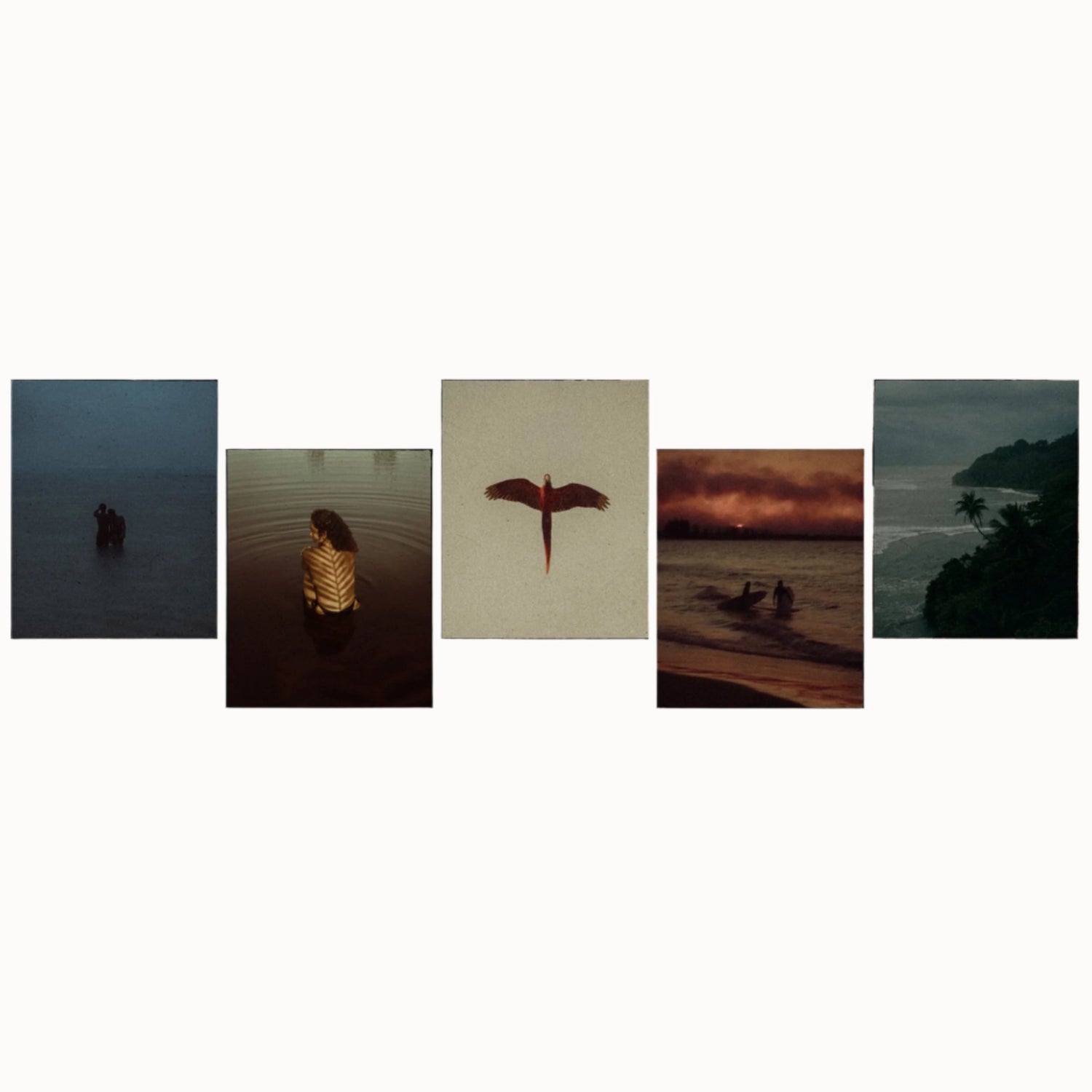
FOCUS KEYWORDS: cinematic luts, # Cinematic Tones LUTs, # Cinematic Video Effects, # Color Correction LUTs, # Color Enhancement LUTs, # Color Grading for Beginners, # color grading presets, # creative luts, davinci resolve luts, # Digital Cinema LUTs, # Documentary LUTs, # drone luts, # Final Cut Pro X LUTs, # DaVinci Resolve luts, # Adobe Premiere Pro LUTs, # photoshop luts, # Dynamic Range LUTs, # Film Emulation LUTs, # Film Noir LUTs, # Film Style LUTs, # Filmmaking LUTs, # final cut pro luts, # Free LUTs, # Fujifilm LUTs, # High Contrast LUTs, # Hollywood Look LUTs, # Indie Film LUTs, # kodak luts, # Luminar LUTs, # LUT Pack Bundles, # LUTs for YouTubers,Cinematic LUTs, # movie luts, # Natural LUTs, # photoshop luts, # Post Production LUTs, # professional color grading, # rec709 luts, # slog3 luts, # Sony LUTs, #Film Emulation LUTs, DaVinci PowerGrades, DaVinci Resolve DCTLs, DaVinci Resolve Fusion, Capture One, Lightroom Presets, Creative Film LUTs, Essential LUTs Pack, Best Film Emulation Pack, LUTs for ARRI, LogC3 LUTs for ACES, ACEScct LUTs for BMD Gen5, LUTs for Sony SLog3, LUTs for Panasonic V-Log, LUTs for Fuji F-Log2, LUTs for Apple Log, Film Grain and Overlays, Film Emulation Photoshop Teal and Orange LUTs, # travel luts, # Urban LUTs, # video editing luts, # Videography LUTs, # Vintage LUTs, # wedding luts.
Visual Aesthetic & Color Science
Capturing the timeless texture of legendary 35mm motion picture stocks, Envijon Vintage Video LUTs infuses modern digital video with organic analog warmth, authentic halation balance, and rich subtractive color density. Unlike harsh digital grades that push saturation uniformly, this look deepens color density as luminance decreases, resulting in velvety blacks, soft pastel highlights, and radiant, lifelike skin tones reminiscent of classic Kodak Vision3 and 5219 film stocks.
Camera & Profile Compatibility
Camera & Profile Compatibility: Universal compatibility across all major cinema and mirrorless camera systems, including ARRI LogC, Blackmagic Film Gen 5, RED IPP2, Sony S-Log3, Canon C-Log2/C-Log3, Panasonic V-Log, Apple Log, and standard Rec.709 footage.
Step-by-Step Color Grading Workflow & Before/After Technique
Before & After Grading Workflow: Start by balancing your clip’s color temperature and contrast balance. Apply Envijon Vintage Video LUTs on your creative grading node or layer. If desired, pair with subtle 35mm film grain (around 15-20% opacity) and slight edge halation to complete the vintage cinema aesthetic. The LUT’s internal tone curve handles highlight rolloff automatically.
Supported Editing Software
Delivered in industry-standard 33×33×33 and 65×65×65 .CUBE 3D Look-Up Table formats. Universally compatible with:
- DaVinci Resolve (Studio & Free versions 17, 18, 19+)
- Adobe Premiere Pro & After Effects (Lumetri Color CC 2020 – 2026)
- Final Cut Pro X (via native Custom LUT effect)
- CapCut Desktop & Mobile (direct .CUBE import)
- Adobe Photoshop & Lightroom Classic (Color Lookup & XMP Profiles)
- VN Video Editor, LumaFusion, Filmora, and Sony Vegas Pro
Frequently Asked Questions
Q: Does Envijon Vintage Video LUTs emulate real motion picture film stocks?
Yes. Envijon Vintage Video LUTs is modeled after authentic 35mm motion picture print characteristics, replicating the natural contrast curve, warm shadow density, and highlight compression of classic cinema films.
Q: How do I install and apply Envijon Vintage Video LUTs in my video editing software?
In Adobe Premiere Pro, open Lumetri Color → Creative tab → Look → Browse and select the .cube file. In DaVinci Resolve, place the .cube file into your Project Settings LUT folder and apply it to any node in the Color Page. In Final Cut Pro X, add the Custom LUT effect to your clip.
Q: Does Envijon Vintage Video LUTs work with both 8-bit and 10-bit color footage?
Yes. While 10-bit footage (from cameras like Sony FX3, DJI Mavic 3, or iPhone 16 Pro) provides maximum grading elasticity, Envijon Vintage Video LUTs is mathematically tuned with smooth tonal interpolation to prevent color banding even when applied to standard 8-bit video clips.
Q: Can I adjust the intensity of Envijon Vintage Video LUTs to match my project style?
Yes. Every professional editing application includes an opacity or intensity slider (such as the Look Intensity slider in Premiere Lumetri or Key Output gain in DaVinci Resolve). We recommend starting at 100% and adjusting to between 70% and 90% for the most organic blend.
Related Products & Recommended Pairings
Enhance your filmmaking workflow by pairing this pack with these complementary color grading suites:
- Hollywood Kodak Film Emulation Bundle — Authentic 35mm motion picture Kodak 2383 and 5219 film stock emulation
- Classic Film Emulation LUTs & PowerGrades — Vintage analog color science with controllable halation and density curves
- Super 8 Film Emulation PowerGrades — Retro 1970s home-movie warmth with organic color shift and grain structure
In this case, a revocation can only be made if the buyer has not yet downloaded the files. However, we will consider granting refunds under certain circumstances (e.g. duplicate order, the wrong preset is sent). We will grant refunds at our reasonable price. If the buyer requests a refund and a download has not been performed, we will honor a full refund to the customer.
Please take time to preview the product pictures, descriptions, and videos before you buy to avoid mistakes. We tried our best to gather all the important information for each product so that you preview and be satisfied before making a purchase. Thanks so much for choosing our products. We hope you’ll love them as much as we do!
Our team is incredibly responsive and takes pride in taking care of our customers. Please feel free to get in touch with us via the contact page or email us directly at [email protected] with any questions or concerns and we’ll be happy to help within 24 hours.
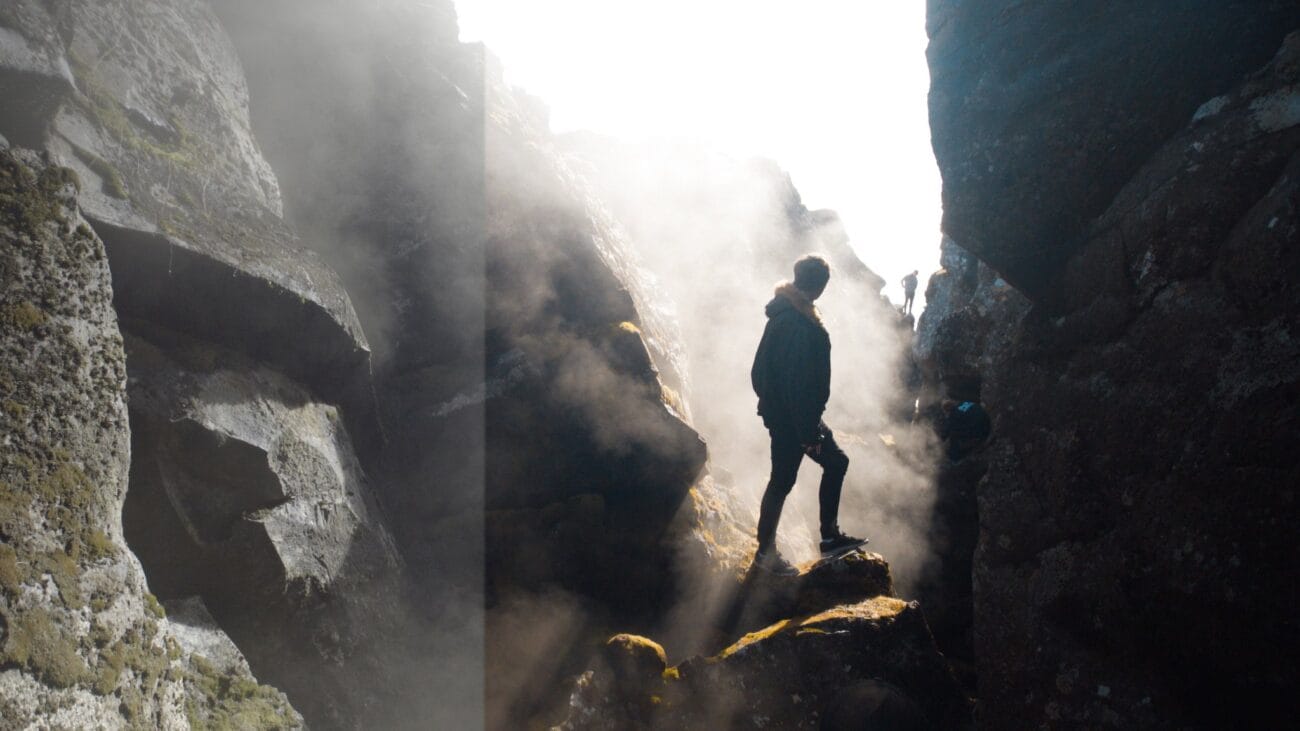
Sky Blue LUT Pack / All Cameras
Sky Blue LUT Pack / All Cameras
Specialized for Rec709 Standard, Sony SLOG2/3, rec709, DJI Drones, D-LOG, Panasonic V-LOG and GoPro. Instant worldwide download no matter where you are in the world.


Sony Natural LUT Pack
Sony Natural LUT Pack | SLog2 & SLog3 to Enhanced Rec709 LUTs
Convert your high dynamic range Sony S-Log2 & S-Log3 to a naturally enhanced look. Designed to fix Sony's skin-tone issues and highlight roll-off.
The main LUTs work with all Sony cameras using S-Log2 LUTs & S-Log3 LUTs. Monitor LUTs included.
- How to Use LUTs
- Camera Settings for LUTs
- How to use Lens Flares
- What are LUTs?
- 5 Reasons to be using LUTs
- Free Sample LUTs
Scroll down for specifications & more!


Titanium LUT Pack
Titanium LUT Pack gives your footage a professional-looking color grade emulating a unique titanium chrome look. These LUTs have been Val’s secret weapon for years now. They come in both generic .cube Rec709 & LOG format to act as a base for your cinematic color grades. Please confirm your editing software is compatible with LUTs before purchase. Some editing software may require 3rd party plugins.
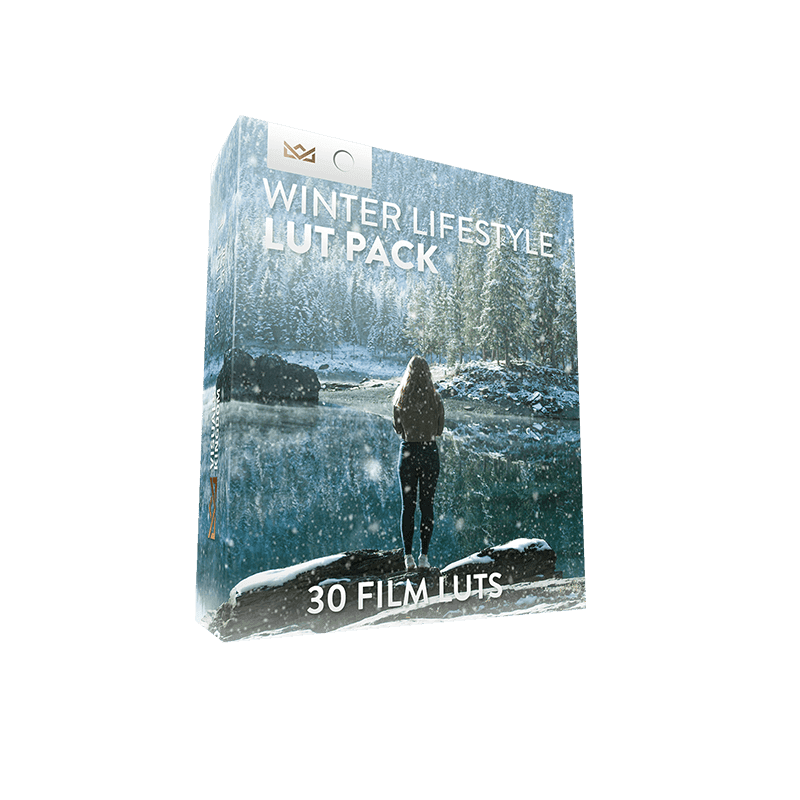
Winter Lifestyle Creative LUT Pack
Winter Lifestyle Creative LUT Pack
- Download instantly after purchase
- Requires No Experience
- Easy to Use
- Programs Supported - Premiere Pro CC, After Effects CC, Final Cut Pro X, Speedgrade, Photoshop, Da Vinci Resolve, AVID, Sony Vegas 13 (Vision Color LUT plugin needed), Filmora and many more.
- The different camera LUTs are only guides to use on specific cameras. You can use any of these LUTs on any camera by adjusting the contrast S-curve settings.
- Package Contents - 30 Winter Film LUTs for 7 camera profiles: rec709, Sony SLOG2/3, Canon, DJI D-Log, GoPro Protune, Nikon, REDCode RAW R3D, Panasonic GH5 V-LOG. 1x PDF instruction on how to install and use the LUTs.