$22,00Original price was: $22,00.$9,00Current price is: $9,00.
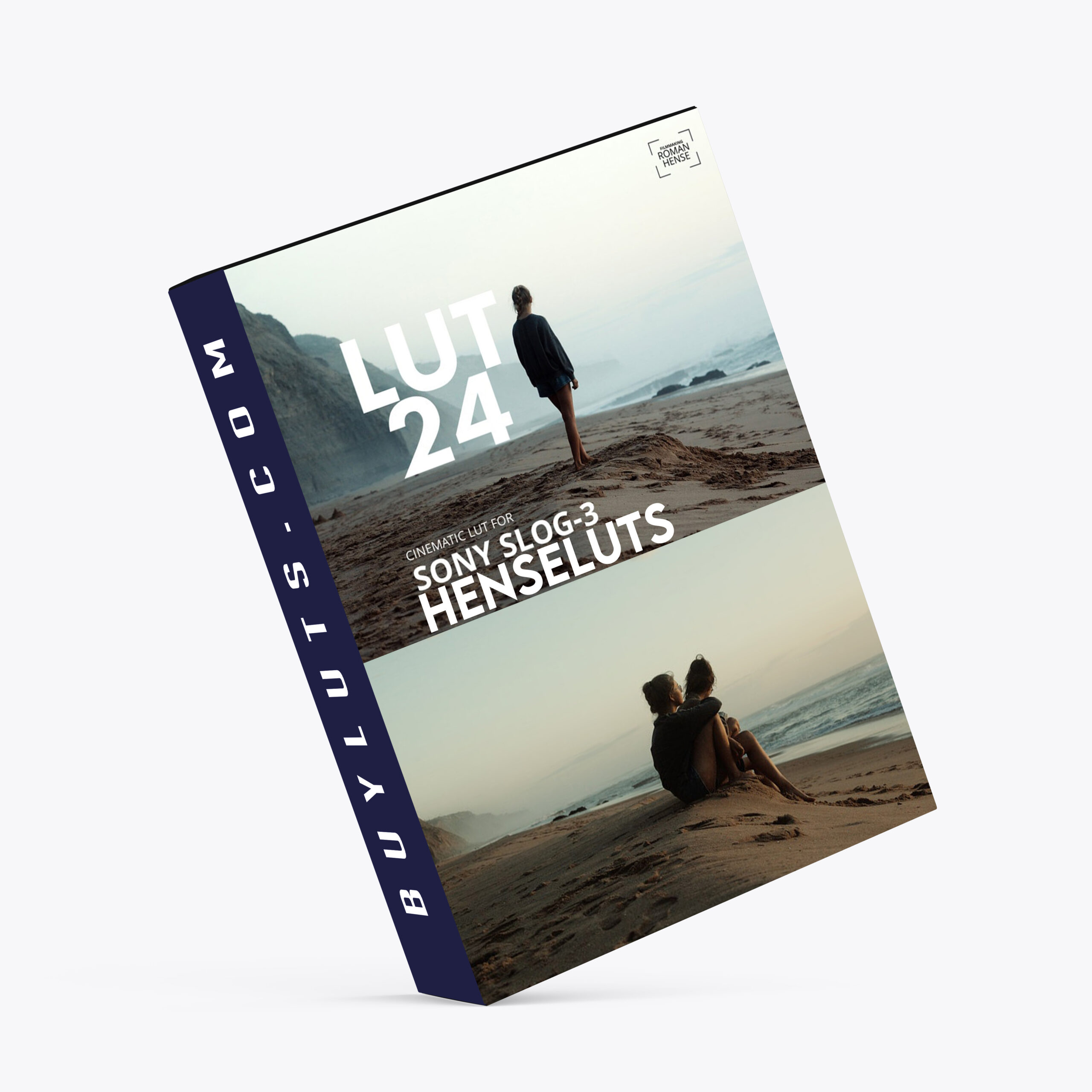
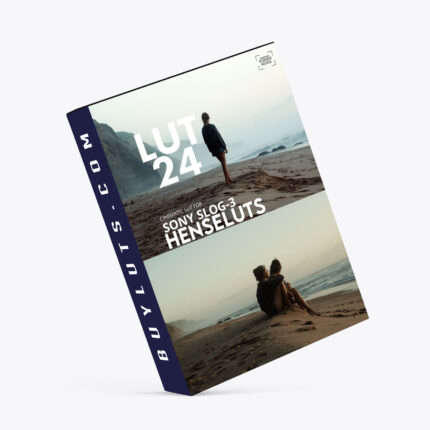
Cinematic LUT for Sony SLog 3 – If you’ve ever worked with Sony’s S-Log3 footage, you know that while its dynamic range and flexibility are unmatched, it also demands a solid color grading workflow to reach its full potential. That’s where the Cinematic LUT 24 comes in — a custom-crafted .cube LUT is designed specifically for Sony S-Log3 gamma and SGamut3.Cine color space.
Whether you’re a filmmaker, YouTuber, or content creator aiming for that cinematic aesthetic, LUT 24 helps you take your log footage from flat to filmic with just a few clicks.
Cinematic LUT for Sony SLog 3 🎞️ Unlocking Cinematic Color: Using LUT 24-5 with Sony S-Log3 Footage
If you’ve ever worked with Sony’s S-Log3 footage, you know that while its dynamic range and flexibility are unmatched, it also demands a solid color grading workflow to reach its full potential. That’s where the Cinematic LUT 24 comes in — a custom-crafted .cube LUT designed specifically for Sony S-Log3 gamma and SGamut3.Cine color space.
Whether you’re a filmmaker, YouTuber, or content creator aiming for that cinematic aesthetic, LUT 24 helps you take your log footage from flat to filmic with just a few clicks.
🎬 What Is LUT 24?
LUT 24 is a Look-Up Table (.cube format) designed to give your Sony S-Log3 footage a rich, cinematic look. It enhances contrast, color tone, and mood without crushing dynamic range or oversaturating skin tones. It works seamlessly across Adobe Premiere Pro, DaVinci Resolve, and Final Cut Pro.
🛠️ How I Use LUT 24 in Adobe Premiere Pro
Here’s a simple, effective workflow I follow to grade my S-Log3 footage using LUT 24:
1. Create an Adjustment Layer
In your timeline, add an adjustment layer and place it above your video clips. This allows you to apply the LUT non-destructively and make global changes easily.
2. Basic Color Correction on Original Footage
Select your original S-Log3 clip.
Apply Lumetri Color directly to the clip and adjust key parameters like:
Exposure – Balance the brightness and shadows.
White Balance – Correct temperature and tint.
Contrast, Shadows, Highlights – Fine-tune the image to prep it for the LUT.
💡 Think of this step as setting the stage for the LUT to shine. The better your base correction, the more cinematic the final look.
3. Apply LUT 24 to the Adjustment Layer
With the adjustment layer selected, open Lumetri Color again.
Navigate to the Creative tab (or Basic Correction > Input LUT) and load the LUT 24.cube.
Instantly, your footage takes on a polished, film-inspired tone with enhanced mood and depth.
🎥 Works in Other Editors Too
DaVinci Resolve
Apply LUT 24 in the Color page by right-clicking a node and selecting 3D LUT → LUT 24.
Final Cut Pro
Use the Custom LUT effect, then load LUT 24 in .cube format from your library.
📌 Final Tips for Stunning Results
Always correct exposure and white balance before applying any LUT.
Use scopes like the Waveform Monitor and Vectorscope to maintain accuracy.
Don’t hesitate to dial back LUT intensity or add secondary color corrections for a custom touch.
✅ Conclusion
Color grading doesn’t have to be complicated — especially when you have tools like LUT 24 tailored for Sony’s S-Log3 workflow. Whether you’re delivering to the web, film, or broadcast, this LUT helps bring out the visual magic buried in your log footage.
Give LUT 24 a try and let your footage speak with cinematic clarity.
FOCUS KEYWORDS: cinematic luts, # Cinematic Tones LUTs, # Cinematic Video Effects, # Color Correction LUTs, # Color Enhancement LUTs, # Color Grading for Beginners, # color grading presets, # creative luts, davinci resolve luts, # Digital Cinema LUTs, # Documentary LUTs, # drone luts, # Final Cut Pro X LUTs, # DaVinci Resolve luts, # Adobe Premiere Pro LUTs, # photoshop luts, # Dynamic Range LUTs, # Film Emulation LUTs, # Film Noir LUTs, # Film Style LUTs, # Filmmaking LUTs, # final cut pro luts, # Free LUTs, # Fujifilm LUTs, # High Contrast LUTs, # Hollywood Look LUTs, # Indie Film LUTs, # kodak luts, # Luminar LUTs, # LUT Pack Bundles, # LUTs for YouTubers,Cinematic LUTs, # movie luts, # Natural LUTs, # photoshop luts, # Post Production LUTs, # professional color grading, # rec709 luts, # slog3 luts, # Sony LUTs, #Film Emulation LUTs, DaVinci PowerGrades, DaVinci Resolve DCTLs, DaVinci Resolve Fusion, Capture One, Lightroom Presets, Creative Film LUTs, Essential LUTs Pack, Best Film Emulation Pack, LUTs for ARRI, LogC3 LUTs for ACES, ACEScct LUTs for BMD Gen5, LUTs for Sony SLog3, LUTs for Panasonic V-Log, LUTs for Fuji F-Log2, LUTs for Apple Log, Film Grain and Overlays, Film Emulation Photoshop Teal and Orange LUTs, # travel luts, # Urban LUTs, # video editing luts, # Videography LUTs, # Vintage LUTs, # wedding luts.
Unless otherwise specified, all digital products in our store are non-refundable after purchase. However, when purchasing digital products (LUTs and other digital goods in the form of software or files), the buyer automatically waives the right of withdrawal, as digital goods/downloads become irrevocably the buyer’s property after the download.
In this case, a revocation can only be made if the buyer has not yet downloaded the files. However, we will consider granting refunds under certain circumstances (e.g. duplicate order, the wrong preset is sent). We will grant refunds at our reasonable price. If the buyer requests a refund and a download has not been performed, we will honor a full refund to the customer.
Please take time to preview the product pictures, descriptions, and videos before you buy to avoid mistakes. We tried our best to gather all the important information for each product so that you preview and be satisfied before making a purchase. Thanks so much for choosing our products. We hope you’ll love them as much as we do!
Our team is incredibly responsive and takes pride in taking care of our customers. Please feel free to get in touch with us via the contact page or email us directly at [email protected] with any questions or concerns and we’ll be happy to help within 24 hours.
$37,00Original price was: $37,00.$18,00Current price is: $18,00.
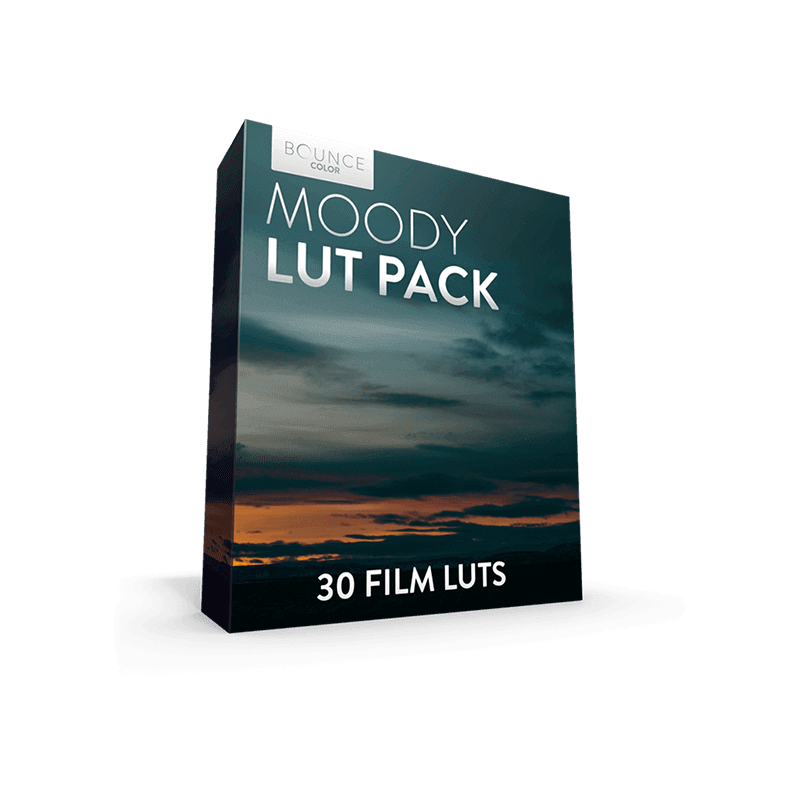
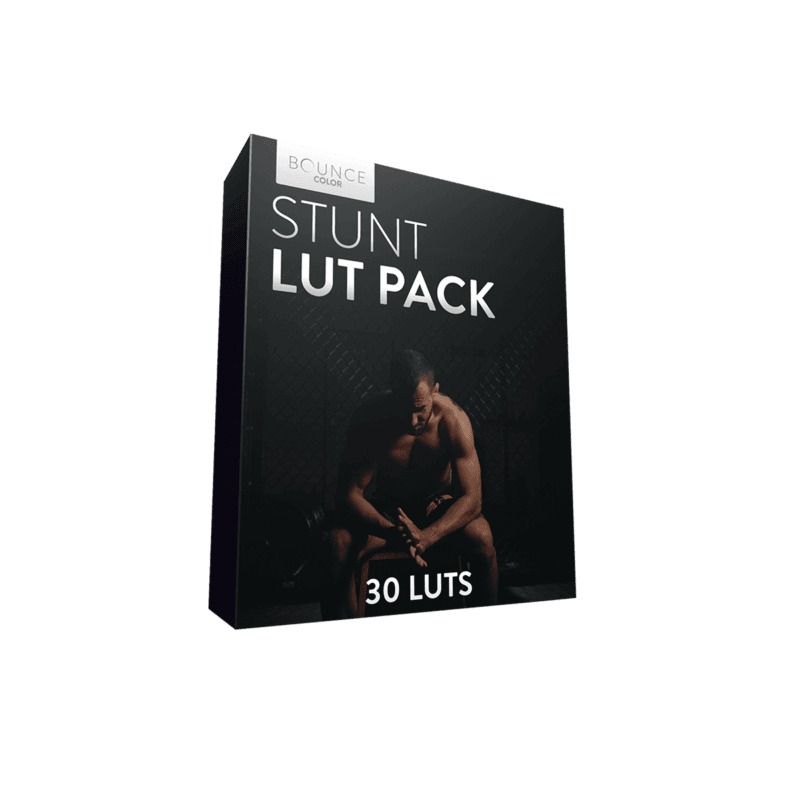
Bounce Moody LUT Pack created for all you lovers of epic landscapes and moody locations. This pack features 30 different Film LUTs to choose from with each one being unique. This will save you time and help you professionally grade your film.
$49,00Original price was: $49,00.$25,99Current price is: $25,99.
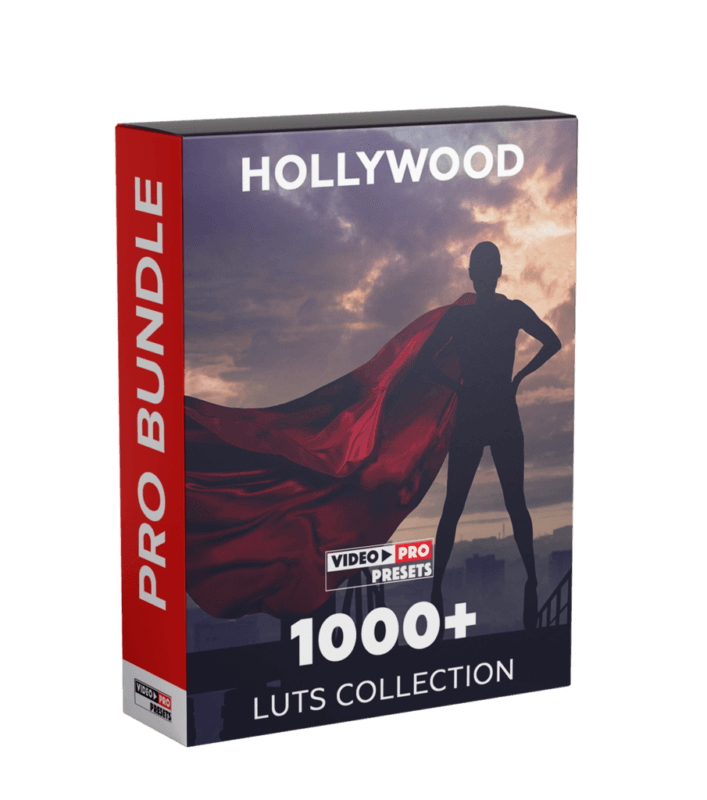
Colorist Factory - Hollywood Bundle Pack
132 (108 24) Creative Loot
– Based on color theory
– Separate LUTs for night, day, evening, indoor lighting
– The best of both worlds.Features
Encoded using a time-based algorithm
LUTs for different types of shots
Way ahead of traditional market LUTs/Filters
Designed for high-production to low-budget filmmaking
Literally cuts grading time in half (read reviews)Compatible With
Premiere Pro
Final Cut Pro X
Davinci Resolve
After Effects
Avid Media Composer
Wondershare Filmora
Sony Vegas
Capture One
Lightroom
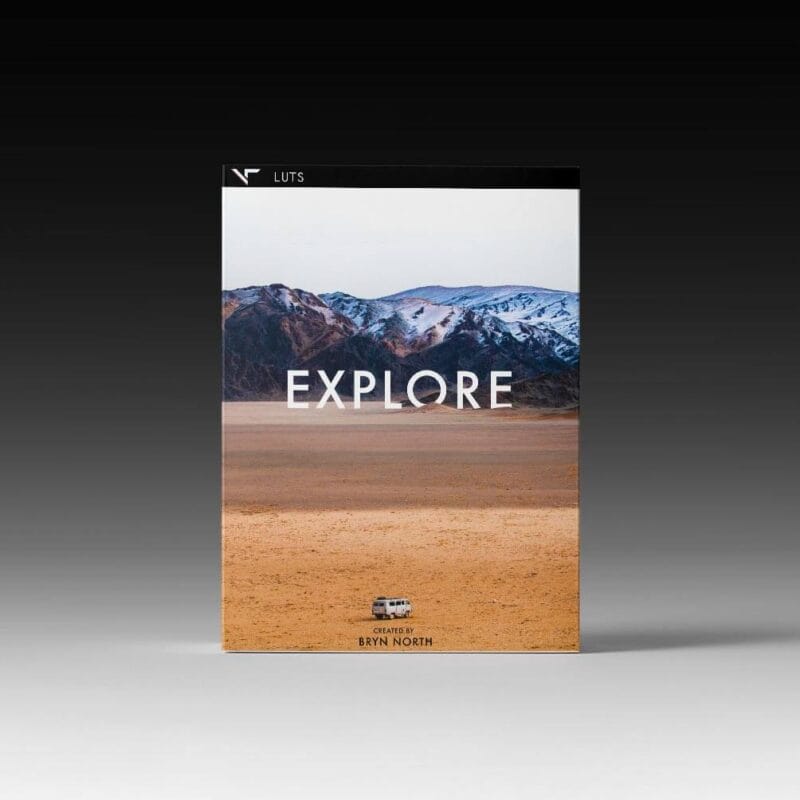
VT Explore LUTs - These cinematic travel look up tables (LUTs) have been developed and finessed by Bryn North over time as he’s travelled to various parts of the world. Each environments characteristics have mounded the look and feel of this distinguished pack of tones.
Programs Supported - Premiere Pro CC, After Effects CC, Final Cut Pro X, Speedgrade, Photoshop, Da Vinci Resolve, AVID, Sony Vegas 13 (Vision Color LUT plugin needed), Filmora and many more.
The different camera LUTs are only guides to use on specific cameras. You can use any of these LUTs on any camera by adjusting the contrast S-curve settings.
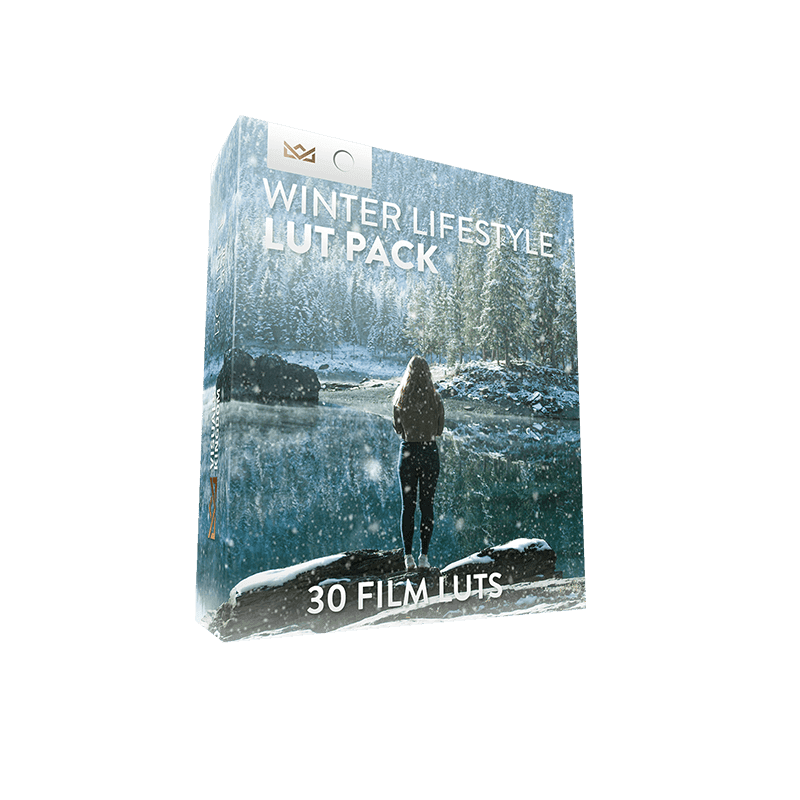
Package Contents - 30 Winter Film LUTs for 7 camera profiles: rec709, Sony SLOG2/3, Canon, DJI D-Log, GoPro Protune, Nikon, REDCode RAW R3D, Panasonic GH5 V-LOG. 1x PDF instruction on how to install and use the LUTs.
We use cookies on our website to give you the most relevant experience by remembering your preferences and repeat visits. By clicking “Accept”, you consent to the use of ALL the cookies.
This website uses cookies to improve your experience while you navigate through the website. Out of these, the cookies that are categorized as necessary are stored on your browser as they are essential for the working of basic functionalities of the website. We also use third-party cookies that help us analyze and understand how you use this website. These cookies will be stored in your browser only with your consent. You also have the option to opt-out of these cookies. But opting out of some of these cookies may affect your browsing experience.
Necessary cookies are absolutely essential for the website to function properly. These cookies ensure basic functionalities and security features of the website, anonymously.
Cookie
Duration
Description
cookielawinfo-checkbox-analytics
11 months
This cookie is set by GDPR Cookie Consent plugin. The cookie is used to store the user consent for the cookies in the category "Analytics".
cookielawinfo-checkbox-functional
11 months
The cookie is set by GDPR cookie consent to record the user consent for the cookies in the category "Functional".
cookielawinfo-checkbox-necessary
11 months
This cookie is set by GDPR Cookie Consent plugin. The cookies is used to store the user consent for the cookies in the category "Necessary".
cookielawinfo-checkbox-others
11 months
This cookie is set by GDPR Cookie Consent plugin. The cookie is used to store the user consent for the cookies in the category "Other.
cookielawinfo-checkbox-performance
11 months
This cookie is set by GDPR Cookie Consent plugin. The cookie is used to store the user consent for the cookies in the category "Performance".
viewed_cookie_policy
11 months
The cookie is set by the GDPR Cookie Consent plugin and is used to store whether or not user has consented to the use of cookies. It does not store any personal data.
Functional cookies help to perform certain functionalities like sharing the content of the website on social media platforms, collect feedbacks, and other third-party features.
Performance cookies are used to understand and analyze the key performance indexes of the website which helps in delivering a better user experience for the visitors.
Analytical cookies are used to understand how visitors interact with the website. These cookies help provide information on metrics the number of visitors, bounce rate, traffic source, etc.
Advertisement cookies are used to provide visitors with relevant ads and marketing campaigns. These cookies track visitors across websites and collect information to provide customized ads.